
Why am I not seeing custom fonts in the email builder Text Block?
Short answer:
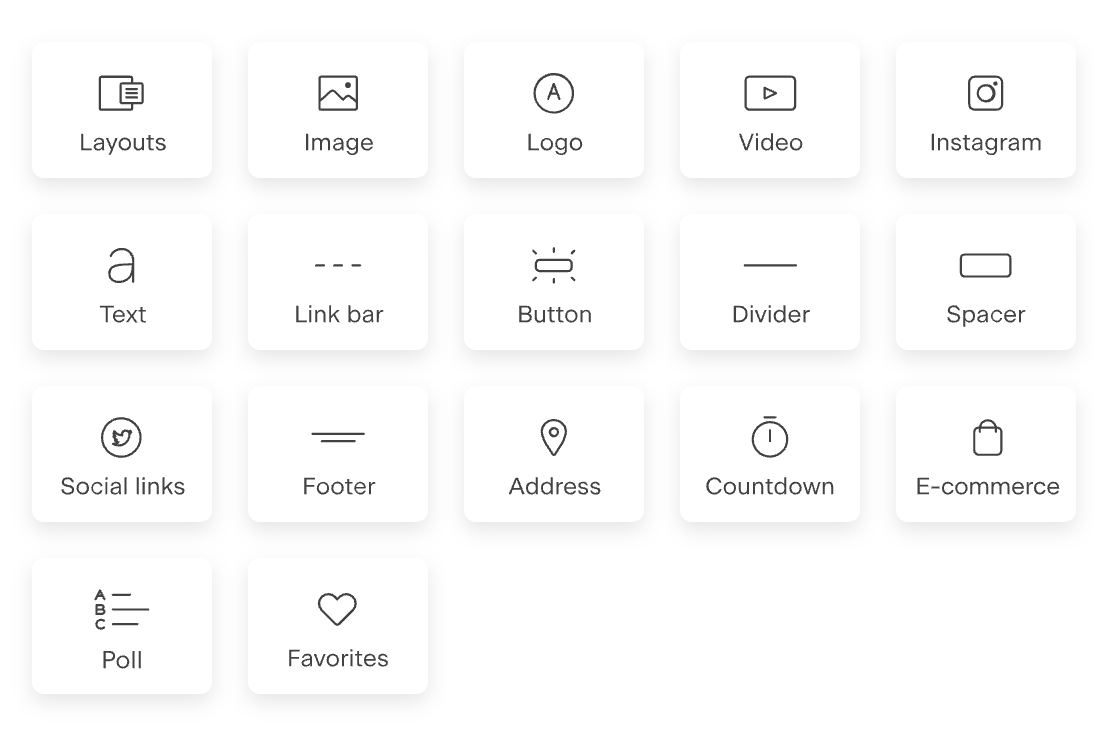
Custom brand fonts do not appear in plain Text blocks by design. They are only available in Layout type blocks.
This is intentional and helps ensure your emails stay readable, searchable, and deliverable across all inboxes.
Below is a simple breakdown of why this happens, when you’ll see your fonts, and where to find them easily.
Text blocks (why your brand fonts don’t show here)
First block in the second row:
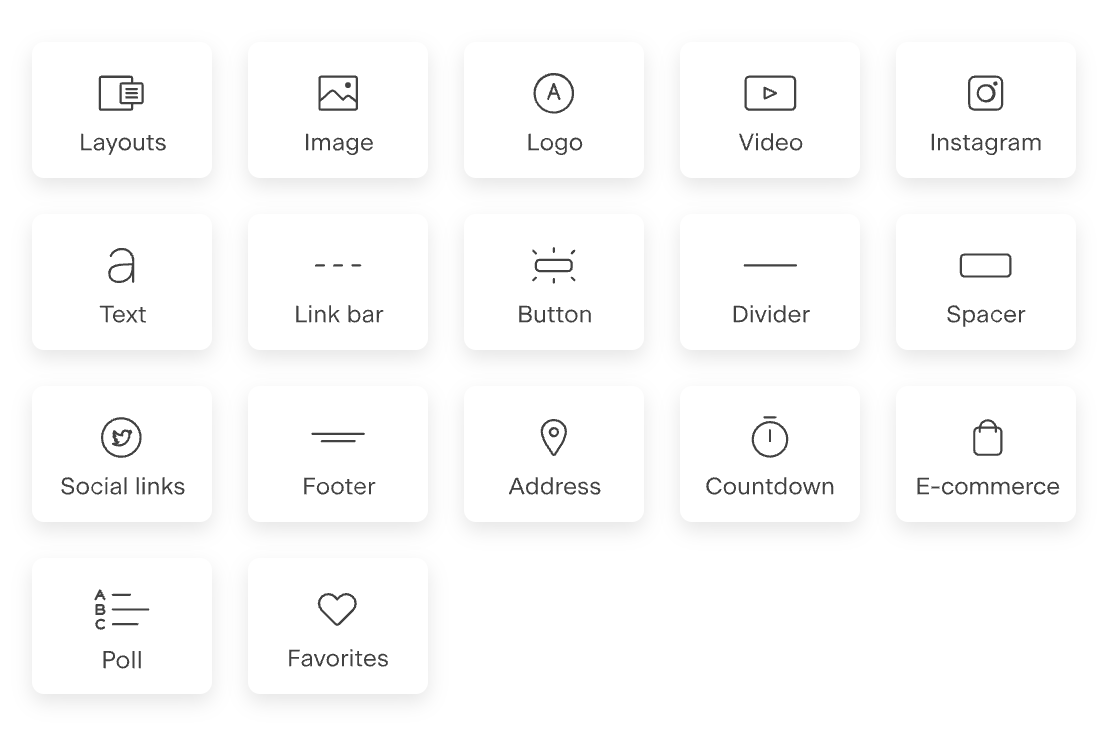
Plain Text blocks use only web-safe fonts.
These are fonts that are already installed on most computers and mobile devices.
Why this matters
Email clients (like Gmail, Outlook, Apple Mail) do not reliably support custom fonts. If a font isn’t installed on a subscriber’s device, the email client will replace it with something else.
To avoid that inconsistency, Text blocks are limited to web-safe fonts only.
What Text blocks are best for
Main body copy
Long paragraphs
Personalization (first name, custom fields, etc.)
Inbox searchability (A subscriber can search their inbox for anything written in a text block)
Better deliverability (less chance of landing in Promotions)
Important limitation (this is the key part)
Even if you uploaded your brand fonts to Flodesk, they will never appear in plain Text blocks.
This is expected behavior—not a bug or missing setup.
You still have lots of styling options, including color, letter-spacing and line-height, to make your text look legible and elegant.
Layout blocks (where your custom fonts live)
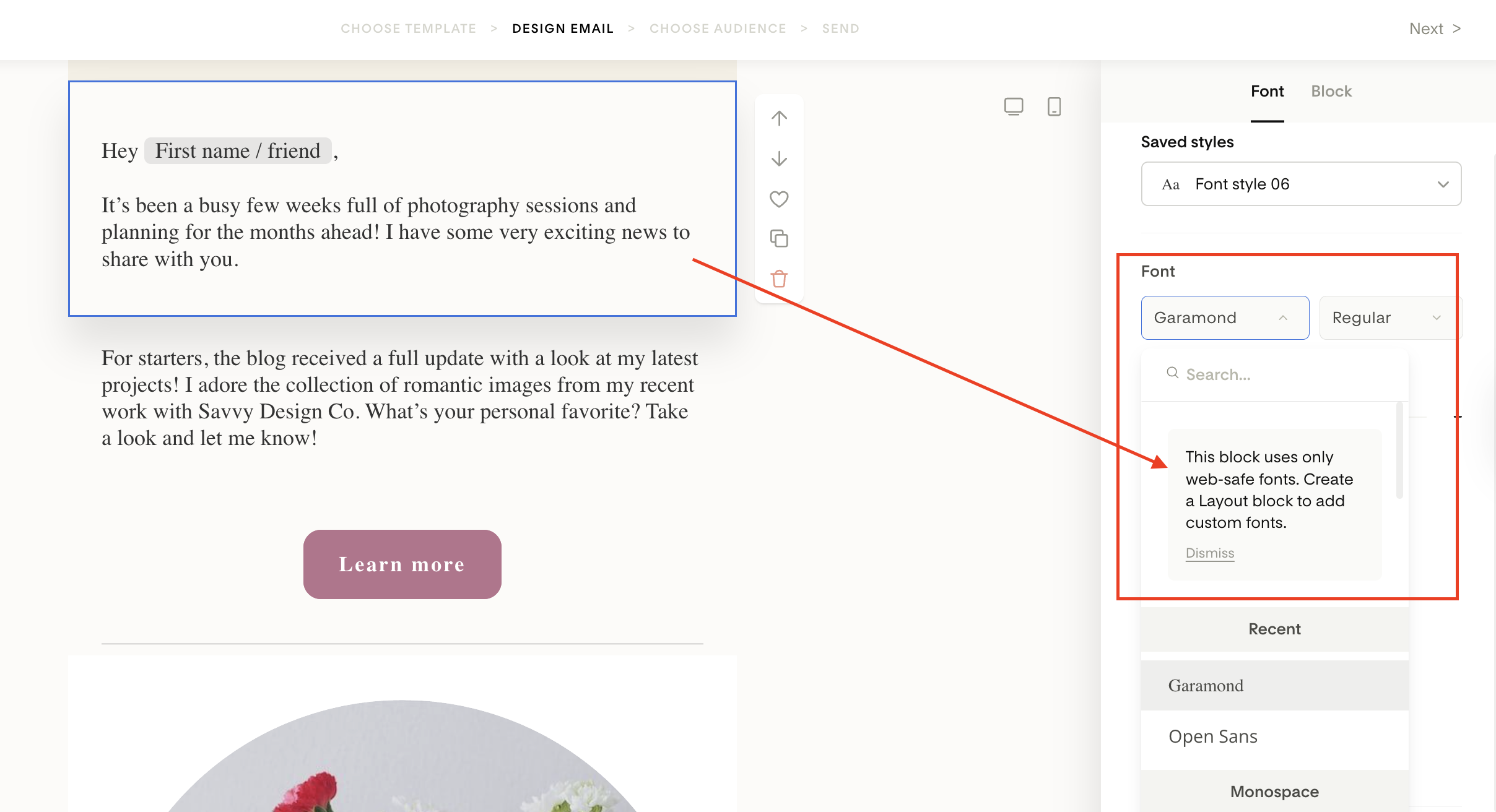
First block in the first row:
Layout blocks are where custom and brand fonts are supported.
Instead of rendering as live text, Layout blocks render as images when your email is sent. That’s what allows your fonts to appear exactly as designed.
What Layout blocks are best for
Headlines
Section titles
Signature text
Short branded callouts
Decorative text elements
Yes, your uploaded brand fonts work here
If you’ve uploaded custom fonts to Branding > Brand fonts, you can:
Use them in Layout blocks
Use them in opt-in forms
Use them in sales pages and checkout delivery pages
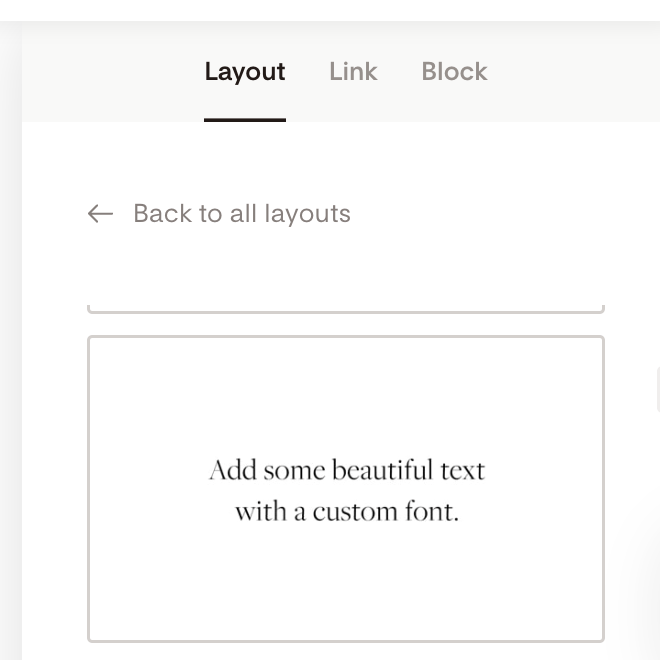
If you'd like to add a headline in your custom font or want to add a signature in a script font, you can select the text-only layout, which looks like this. Then change the text and pick a nice font style.
“Why do I sometimes see fonts and other times I don’t?”
This usually happens because you’re switching between block types.
Editing a Text block → only web-safe fonts appear
Editing a Layout block → custom and brand fonts appear
The font availability depends entirely on which block you’re editing, not on your account, plan, or brand setup.
Where to find your brand fonts in the font dropdown
When you’re editing a Layout block and open the font selector:
Open the font dropdown
Scroll all the way to the top
Look for the section labeled Brand
All of your uploaded brand fonts live in that Brand section for easy access.
If you don’t scroll up, it can look like your fonts are missing—even when they’re not.
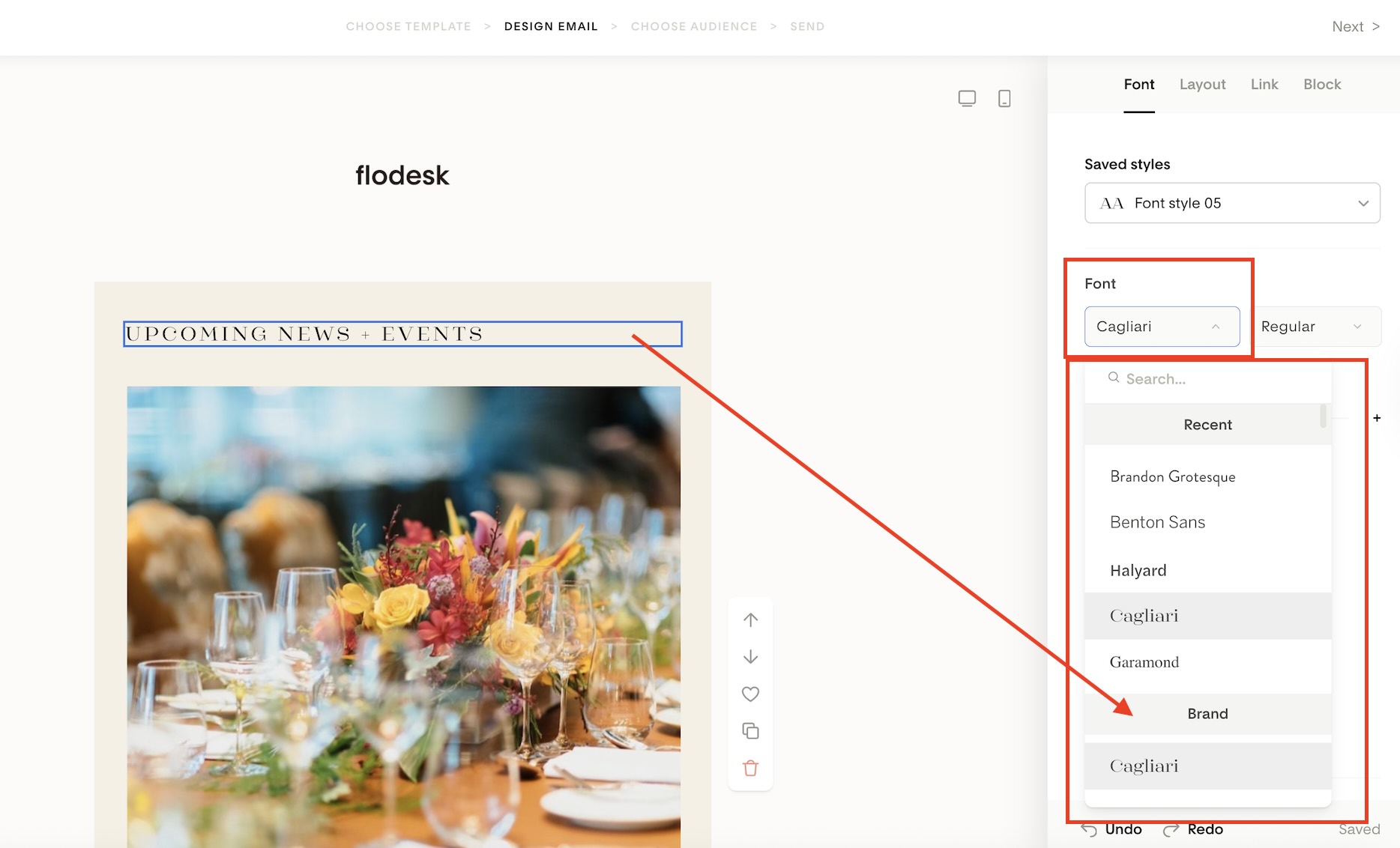
Best practice: use both blocks together
For the best results:
Use Text blocks for readable, searchable email content
Use Layout blocks for branded accents and visual hierarchy
This gives you the best balance of deliverability + design.
Summary
Custom brand fonts do not appear in plain Text blocks (by design)
Text blocks only support web-safe fonts
Brand fonts are available in Layout blocks, forms, and Checkout pages
Font availability changes based on block type
Your uploaded fonts are listed under Brand towards the top of the font dropdown
FAQ
Why don’t my uploaded brand fonts show in Text blocks?
Text blocks only support web-safe fonts to ensure emails display correctly across all inboxes. Custom fonts are not supported there.
Where can I use my custom brand fonts in Flodesk?
You can use them in Layout blocks, opt-in forms, sales pages, and checkout delivery pages.
Why do I see different fonts depending on what I’m editing?
Font options change based on whether you’re editing a plain Text block or a Layout block.
I uploaded a font but can’t find it in the dropdown—where is it?
Open the font selector and scroll to the very top. Your fonts appear under the Brand section.
Is something wrong with my account if I can’t use brand fonts everywhere?
No. This is expected behavior and works the same for all Flodesk accounts.