
Can I use Flodesk on my iPad?
Yes—you can use Flodesk on your iPad. All the Flodesk builders are available for all tablet sizes and OS versions.
When you log in through your iPad’s web browser, you can:
Create and edit emails
Build and update opt-in forms
Design sales pages
Review layouts and content across all builders
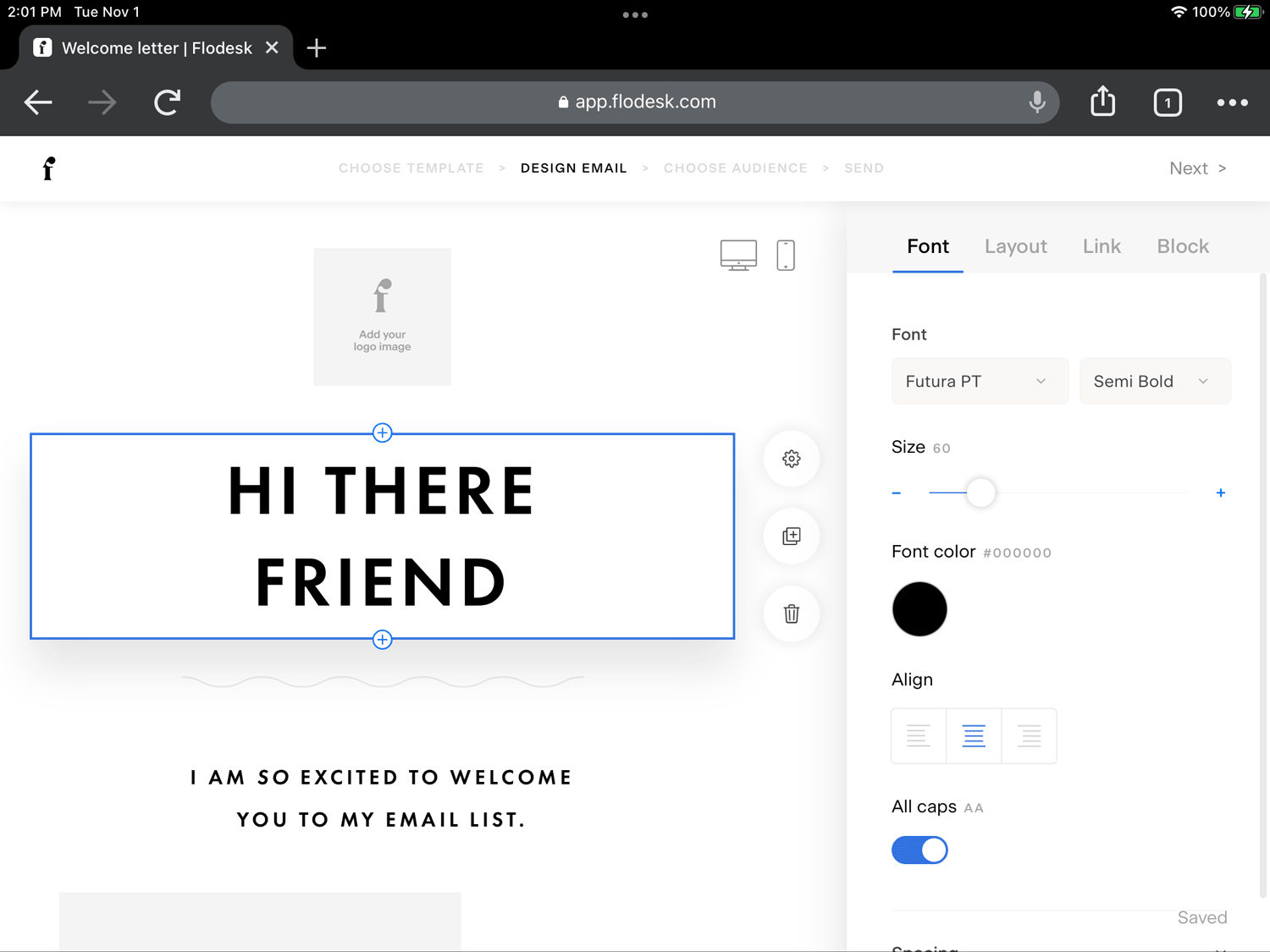
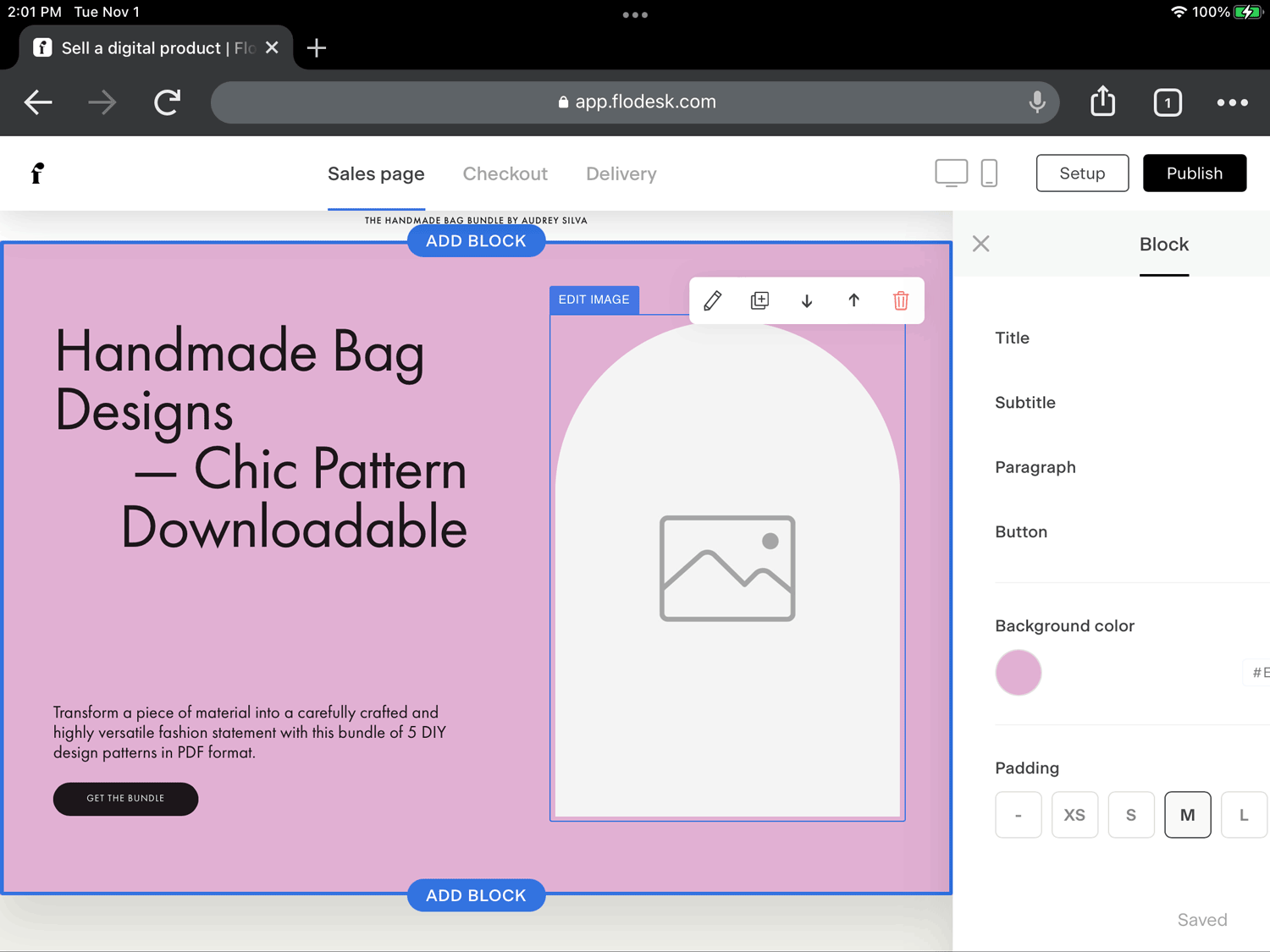
How to access Flodesk on your iPad
Open a supported browser on your iPad (such as Safari or Chrome).
Go to the Flodesk login page.
Log in with your Flodesk account credentials.
Start working in the email, form, or sales page builder.
Important to know
Flodesk does not currently have a native iOS or iPad app.
Access is available through your browser only.For the best experience, make sure your browser and iPadOS are up to date.
Some advanced design work may feel easier on a larger screen or desktop, depending on your workflow.
Troubleshooting tips
If something isn’t working as expected:
Update your browser to the latest version
Refresh the page
Try switching browsers (for example, Safari → Chrome)
Confirm your iPadOS version is current
FAQ
Can I use Flodesk on my iPad?
Yes. You can log in to Flodesk on your iPad using a web browser and access all builders.
Does Flodesk have an iPad or mobile app?
No. Flodesk does not currently offer a native mobile or iPad app.
What browser should I use on my iPad?
Use a modern, up-to-date browser such as Safari or Chrome for the best experience.
Why isn’t Flodesk working properly on my iPad?
Make sure your browser and iPadOS are updated to the latest version. Refresh the page or try a different browser if needed.
Can I build emails, forms, and sales pages on an iPad?
Yes. All Flodesk builders—emails, opt-in forms, and sales pages—are available on iPad through your browser.