
Does Flodesk have an RSS feature?
Overview
Flodesk doesn't currently support RSS-to-email, so it's not possible to automatically send emails when a new blog post goes live. If you were hoping to connect your RSS feed to trigger email sends, this article explains the best workaround: saving a reusable blog post email template that you can update and send in just a few minutes whenever you publish something new.
How to share blog content without RSS
The good news is that sharing blog content with your audience doesn't have to take long, even without RSS automation. Here are two approaches that work well:
Save a blog post email as a template
Design an email layout that works for your blog posts, then save it as a reusable template by clicking the heart icon. Each time you have a new post to share, open the template, swap in the new content, and send. It's a quick way to keep your emails looking consistent without starting from scratch every time.
Schedule regular newsletters
Instead of sending an email every time you publish, consider batching your blog content into a regular newsletter (weekly or monthly, for example). You can save individual email building blocks as templates too, which makes it easy to mix and match sections across future emails.
Flodesk is continuously evolving, so RSS support may be added in the future.
How to find and use your saved blog post template
When you're ready to send, here's how to access your saved template:
Go to Emails and click + New email
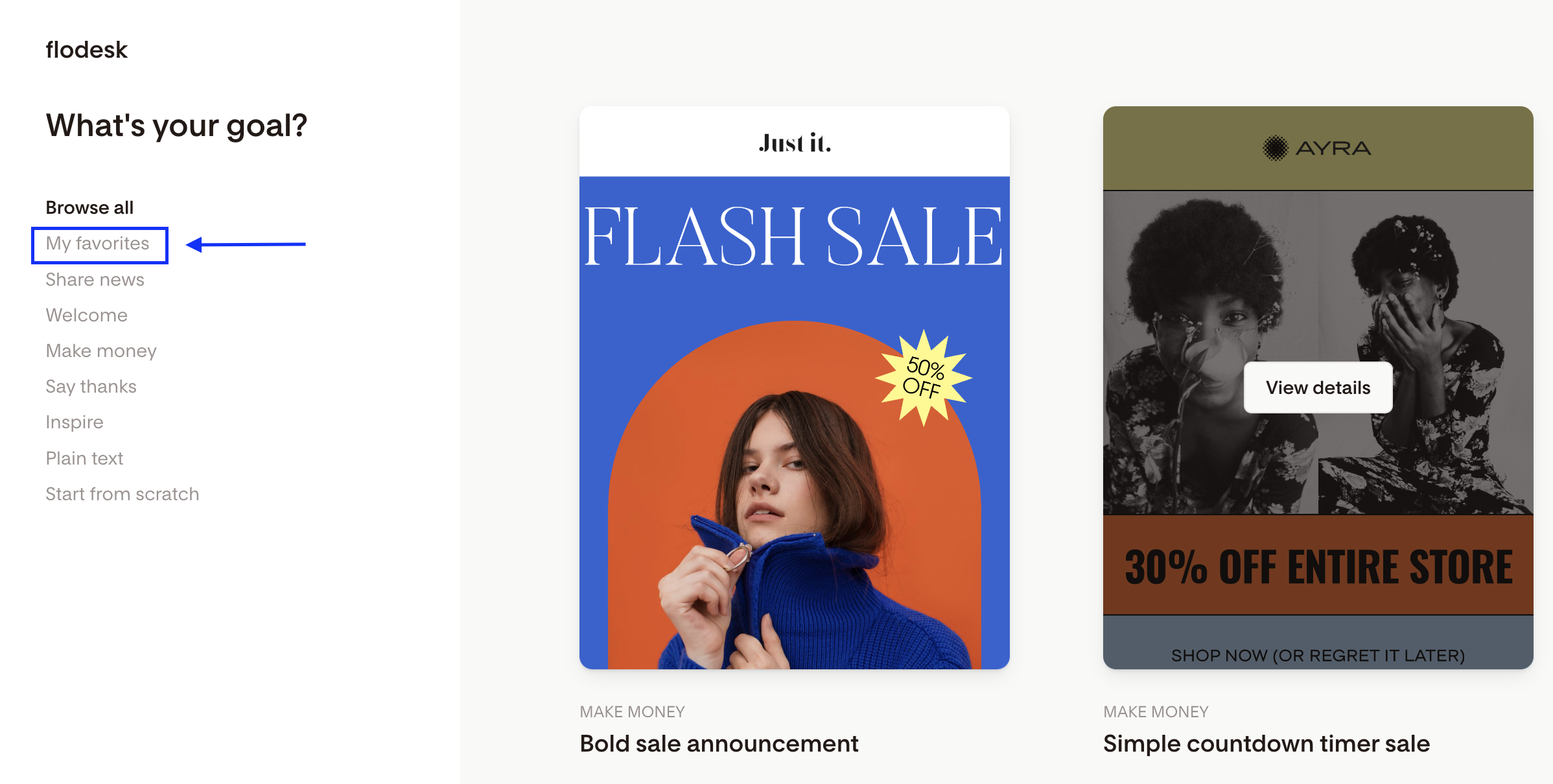
Select My favorites
Choose the template you saved
Click Customize to open it in the email builder
How to update your template before sending
Once your template is open in the email builder, update it with the details of your latest post:
Swap out any images
Update the heading and teaser text
Update the link(s) to point to the new post
Before sending, use the test send feature (the paper plane icon in the top-left corner) to preview how the email will look in your subscriber's inbox. When everything looks good, select the segment you want to receive it and send.
FAQ
Does Flodesk support RSS-to-email?
Not currently. Flodesk doesn't have an RSS feature, so emails can't be sent automatically when a new blog post is published. The best workaround is to save a reusable blog post email template and update it manually each time you have new content to share.
Can I automatically send an email when I publish a new blog post in Flodesk?
No. Flodesk doesn't support RSS-to-email automation at this time. You'll need to send blog post emails manually. Saving a blog post template makes this much faster since you only need to update the content, not rebuild the email from scratch.
How do I save an email as a template in Flodesk?
While editing an email in the email builder, click the heart icon to save it to your favorites. You can then access it anytime by going to Emails, clicking + New email, and selecting My favorites.
Where do I find my saved email templates in Flodesk?
Go to Emails and click + New email. Select My favorites to see all the email designs you've saved. Click Customize on the one you want to open it in the email builder.
How long does it take to update and send a blog post email in Flodesk?
Not long at all. If you've saved a blog post template, updating it usually takes just a few minutes: swap out the image, update the heading and teaser text, and change the link to point to your new post. Use the test send feature to preview it, then send to your chosen segment.
Will Flodesk add RSS-to-email support in the future?
Flodesk is always evolving, and RSS support may be added down the line. For now, the template workflow is the recommended approach for sharing blog content with your audience.
Can I save individual email sections as templates, not just full emails?
Yes. You can save individual email building blocks as templates and reuse them across future emails. This is a great option if you have a recurring section (like a "latest post" block) that you want to drop into different emails without redesigning it each time.