
What are Products in Flodesk and how do they work
Note: this feature is being released in batches. Right now, Products is available to new members who haven't created a checkout before. If you’re an existing Flodesk member who has existing checkouts, you'll be invited to try Products soon, and switching will always be your choice. Nothing will be migrated automatically.
Overview
“Products” is a new way to manage everything you sell in Flodesk. Instead of building your products inside individual checkouts, you now create products once in a central catalog and use them across your sales pages, emails, and future surfaces.
Think of it as your digital storefront's back room: one place where all your products live, ready to be pulled into any sales page whenever you need them.
This article covers what Products are, how they fit with your existing checkouts, and what (if anything) you need to do right now.
If you've seen tutorials showing a different Checkout experience (with tabs like Sales Page, Checkout, and Delivery), that's the previous version. Your account has the updated Products experience described in this article.
What are Products in Flodesk?
The My products dashboard is where you create and manage the things you sell: digital downloads, courses, coaching sessions, workshops, subscriptions, and more.
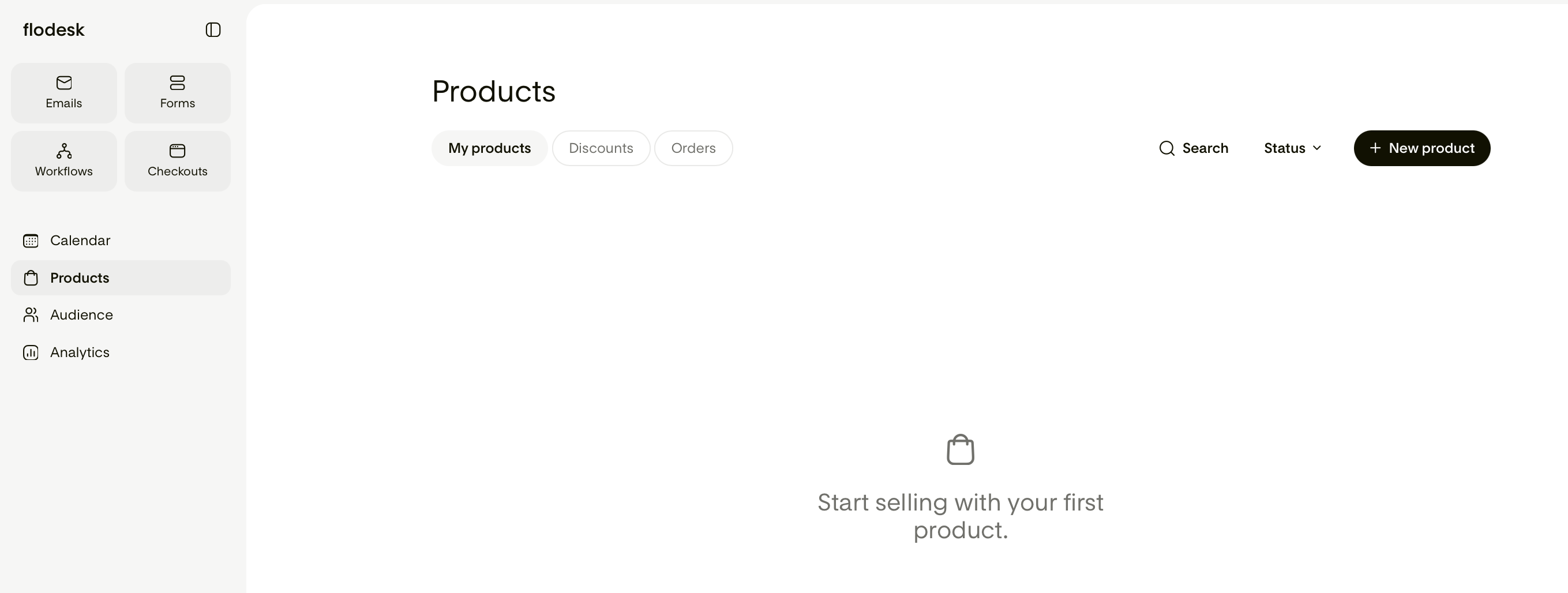
Each product you create stores everything about what you're selling in one place: its name, price, payment type, additional information, selling tools and post-purchase confirmation.
Once a product is in your catalog, you can add it to any sales page without having to set it up again from scratch.
What counts as a product?
A product is anything you sell through Flodesk Checkout. That includes:
One-time purchases (digital downloads, templates, guides)
Payment plan offerings (courses, programs)
Subscriptions (memberships, recurring access)
Free offerings ($0 one-time products)
Services and session bookings
Each product has its own pricing, details, and analytics, independent of the page it's sold on.
How products and sales pages work together
In the new structure, products and sales pages are separate things that work together.
A product holds everything about what you're selling: the price, payment type, selling tools like bump offers and inventory limits.
A sales page is where buyers discover and purchase your product. You build the sales page, add a product block, and link one or more products from your catalog.
This means the same product can appear on multiple sales pages without you needing to re-enter its details each time. Update the product once in your catalog, and the change carries through wherever that product is used.
What's happening to your existing checkouts
For existing Flodesk members: If you've published checkouts before, nothing about them changes right now. Your existing checkouts continue to work exactly as they do today. Your links, your orders, and your analytics are all still there.
Here's the key difference going forward:
Existing checkouts (legacy checkouts) stay in your dashboard and keep functioning as usual.
New products you create will live in the My products section and connect to sales pages through the new product-centric structure.
What about my analytics?
Legacy checkout analytics remain accessible in Analytics > Checkouts, exactly as they are today.
New product sales appear in Analytics > Products. The two are kept separate by default, so your historical data isn't affected.
Do I need to do anything right now as an existing Flodesk member with published Checkouts?
No. There's nothing you need to change. Your existing checkouts keep working, and you can start exploring Products soon by creating your first product.
What's available on each Flodesk plan
Your plan determines what you can do in Products.
Lite plan: Limited access to Products. You can create and save draft products, but can’t publish them.
Pro plan and legacy Unlimited Email plans: You can create and publish unlimited products, but they can’t be with recurring payments or payment plans.
Everything plan: Unlimited products and unlimited published products, including recurring payments or payment plans.
For a detailed breakdown, review Products access and plan limits.
FAQ
As an existing Flodesk member, will my existing checkout links stop working?
No. All published checkout links continue to work. Nothing about your current setup changes unless you choose to make changes yourself.
Can I use a legacy checkout and a new product on the same sales page?
No. Legacy checkouts and new catalog products use different structures and can't be combined on the same page. New sales pages work exclusively with products from your catalog.
When will I be able to migrate my existing checkouts to the new structure?
Migration (the option to convert a legacy checkout into a catalog product) isn't available yet. It's coming in a future update, and it will always be your choice, nothing will be migrated automatically.