
What's included in Products on each plan
Overview
Not all Flodesk plans include the same level of access to the Products feature. This article explains what's available on each plan, what happens when you reach a limit, and how to upgrade if you need more.
One thing to know upfront: no matter which plan you're on, you'll need a connected and enabled Stripe account to publish any product, including free ones. More on that below.
Note: Products is being released in batches. Right now, Products is available to new members who haven't created a checkout before. If you’re an existing Flodesk member who has existing checkouts, you'll be invited to try Products soon, and switching will always be your choice. Nothing will be migrated automatically.
Stripe requirements
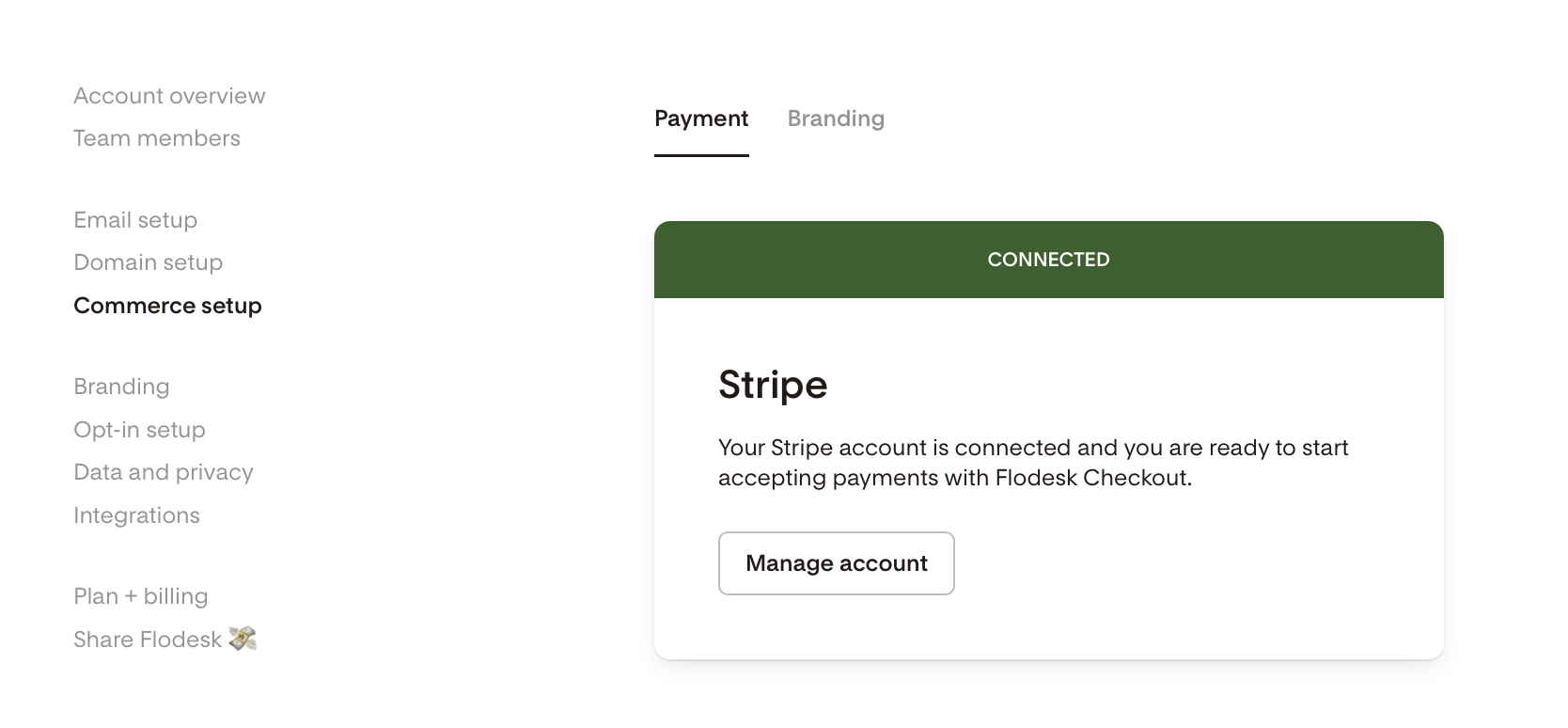
Regardless of your plan, you'll need a connected and enabled Stripe account to publish a product. Stripe is how Flodesk processes payments on your behalf. Go to Account settings > Commerce setup to connect to Stripe.
You can create and save products as drafts without completing Stripe setup, but you won't be able to publish until your Stripe account is fully connected.
Note: free ($0) products still require a connected Stripe account to publish, even though no payment is collected at checkout.
Plan comparison at a glance
Feature | Lite | Pro (and legacy Unlimited Email plans) | Everything |
Create products | Yes | Yes | Yes |
Save products as draft | Yes | Yes | Yes |
Publish products | No | Unlimited | Unlimited |
Published sales pages | No | One at a time | Unlimited |
Payment plans | No | No | Yes |
Subscriptions | No | No | Yes |
Bump offers | No | Yes | Yes |
Lite plan
Members on the Lite plan have limited access to Products. You can create and save draft products, but you can’t publish them.
If you're on a Lite plan and want to start selling your products created in the product catalog (Products > My products), you'll need to upgrade to a Pro or Everything plan.
To upgrade, go to Account Settings > Billing and choose the plan that fits your needs.
Pro plan (and legacy Unlimited Email plans)
Members on the Pro plan (and legacy Unlimited Email plan) have access to Products with the following limits:
Products: You can create and publish unlimited products.
Sales pages: You can publish one sales page at a time. However, you can sell multiple products on that same page.
Payment types: Only one-time products are available on Pro and legacy Unlimited Email plans. Payment plans and subscriptions require an upgrade to the Everything plan.
Bump offers: Bump offers (upsells) are available on Pro and legacy Unlimited Email plans.
If you're on a Pro or legacy Unlimited Email plan and want to offer payment plans or subscriptions, the Everything plan is worth considering.
To upgrade, go to Account Settings > Billing.
Everything plan
The Everything plan gives you full access to the Products feature with no publishing limits.
Unlimited products (drafts and published)
Unlimited published sales pages
All payment types: one-time, payment plans, and subscriptions
Bump offers
FAQ
Can I have multiple draft products on a Pro plan or legacy Unlimited Email plan?
Yes. There's no limit on the number of draft products you can save.
What happens if I downgrade from Everything to Pro?
If you have more than one published sales pages at the time of downgrade, you'll need to unpublish the extras to comply with the lower plan's limit. You'll be prompted to do this as part of the downgrade process.
Can I access the Products feature on a free trial?
Yes, members on their free trial have access to the Products feature if they have a valid, connected Stripe account. Note, however, that you can’t create products with payment plans while on your Flodesk free trial.
I'm on a Pro or a legacy unlimited Email plan. Can I offer a payment plan to my buyers?
Not currently. Payment plans and subscriptions are only available on the Everything plan. If offering installment payments is important to your business, upgrading to Everything would unlock that feature.
Why do I need Stripe for a free product?
Even though no payment is collected for a $0 product, Stripe is still required to process the order and record it in your analytics. Completing your Stripe setup is a one-time step that unlocks publishing for all your products, paid and free.
Can a member on a Pro or legacy unlimited Email plan sell a product with an upsell?
Yes. Bump offers (upsells) are available on Pro and legacy unlimited Email plans.