
Where to find and manage your opt-in forms in Flodesk
Learn where to find your opt-in forms in Flodesk and how to create, organize, and track them.
Where to find your forms in Flodesk
You can find all your opt-in forms in the Forms tab.
Click Forms in the top navigation bar
Or go directly to: https://app.flodesk.com/forms
What you can do in the Forms tab
From the Forms tab, you can:
Create new opt-in forms (including inline, popup, full page or link in bio forms)
View form performance (visitors, opt-ins, conversion rate)
Organize forms into folders
Quickly take actions like accessing embed codes, form links or sharing templates
How the Forms tab is organized
The Forms tab has two main sections:
My forms: where all your forms are created and managed
Folders: where you organize your forms
When you first open the Forms tab, both sections will be empty and ready for you to start.
My forms
This is your main workspace for creating and managing opt-in forms.
Create a new form
Click + New form to open the template gallery.
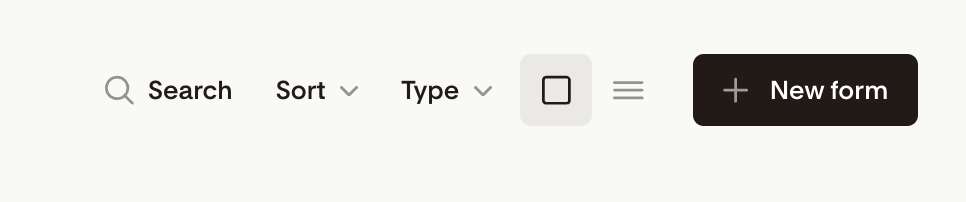
From there, you can:
Choose a form type (link in bio, popup, inline, full page, video, spinner, countdown)
Customize your form
Use the left side navigation to browse through the various categories.
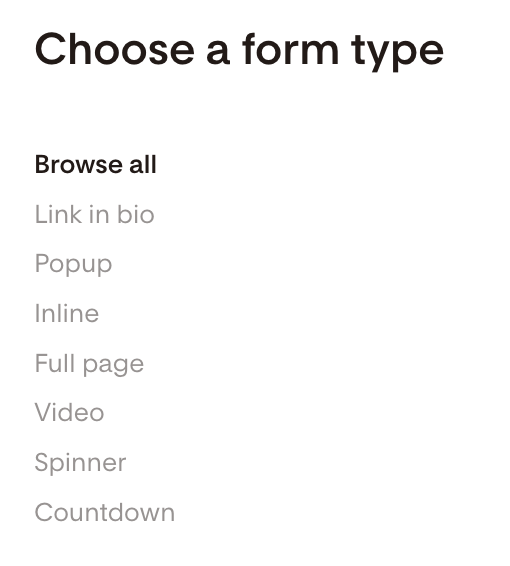
Need help getting started? See: How to create an opt-in form in Flodesk.
Choose how to view your forms
You can display your forms in two ways:
Card view: shows visual previews of your forms
List view: shows more details in a table format
You can switch between these views at any time.
If you don't see the list view option, check if you are using an ad blocker in your browser. It may prevent the feature from loading in the app.
Manage your forms
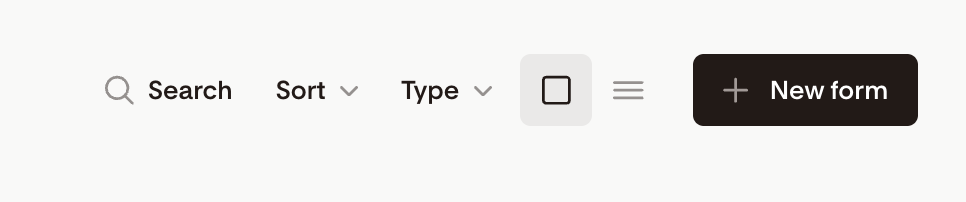
Use the toolbar in My forms to quickly find and manage your opt-in forms.
Search: Find forms by name
Sort: By date created, date modified, or alphabetically
Type filter: View forms by form type (all, link in bio, popup, inline, full page or shared as a template)
View toggle: Switch between card view and list view
+ New form: Create a new form
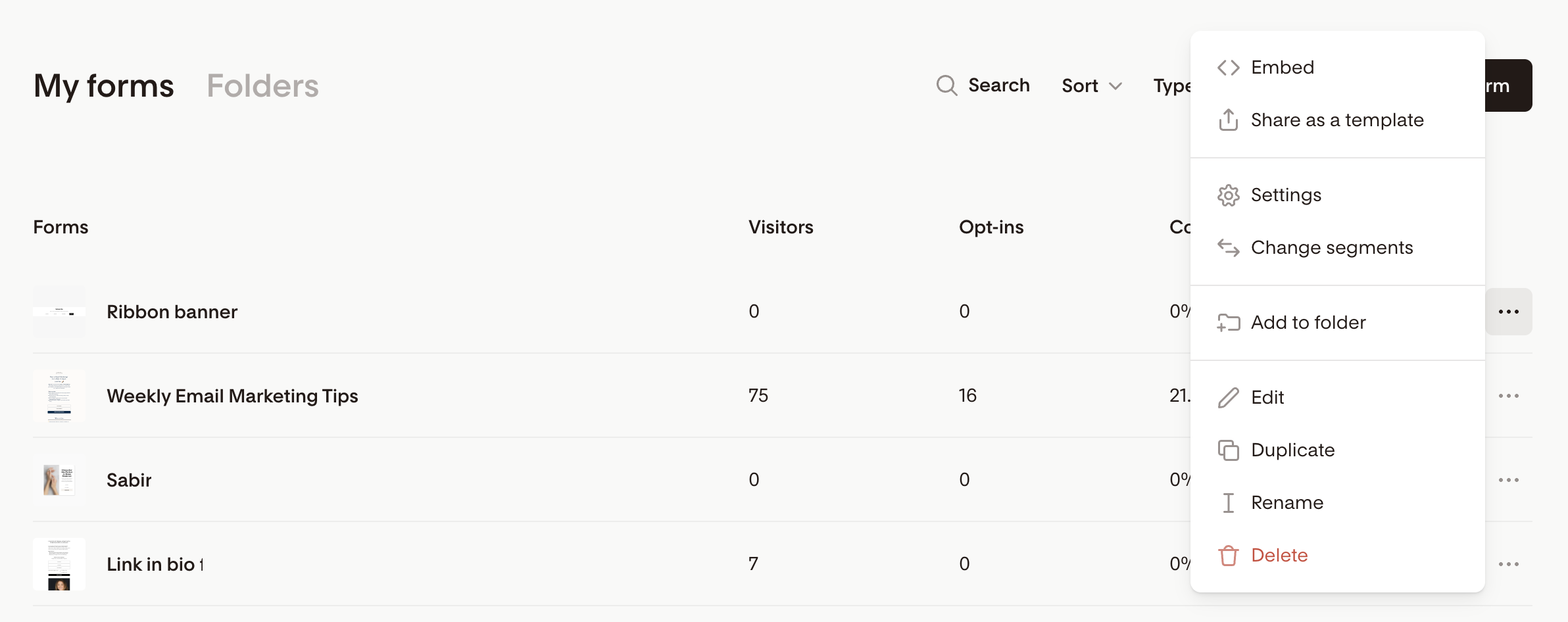
Quick actions for forms
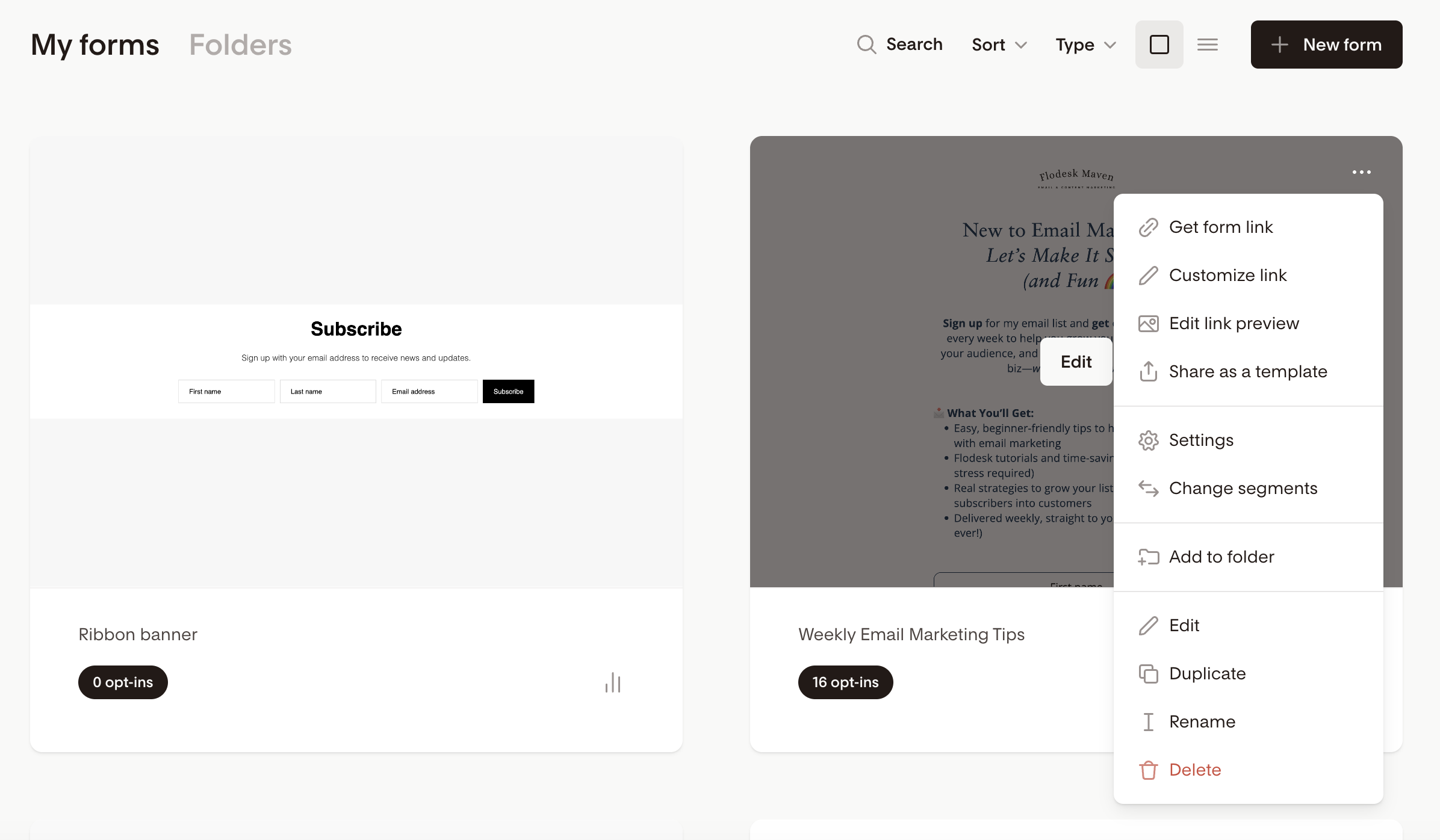
Click the three dots (…) menu on any form to access quick actions.
You can:
Embed (inline, popup only)
Get form link (link in bio, full page only)
Customize link (link in bio, full page only)
Edit link preview (link in bio, full page only)
Share as a template
Settings
Change segments
Add to folder
Edit
Duplicate
Rename
Delete
These options are available in both card view and list view.
How to view form stats
You can quickly check how your forms are performing.
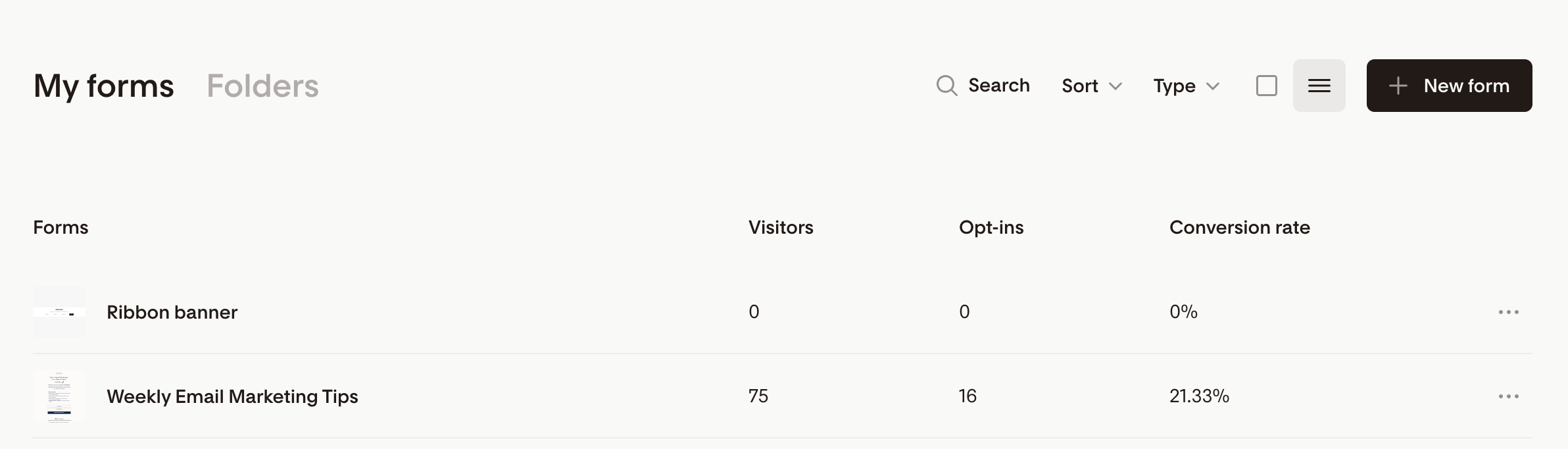
In the list view, see visitors, opt-ins, and conversion rate directly.
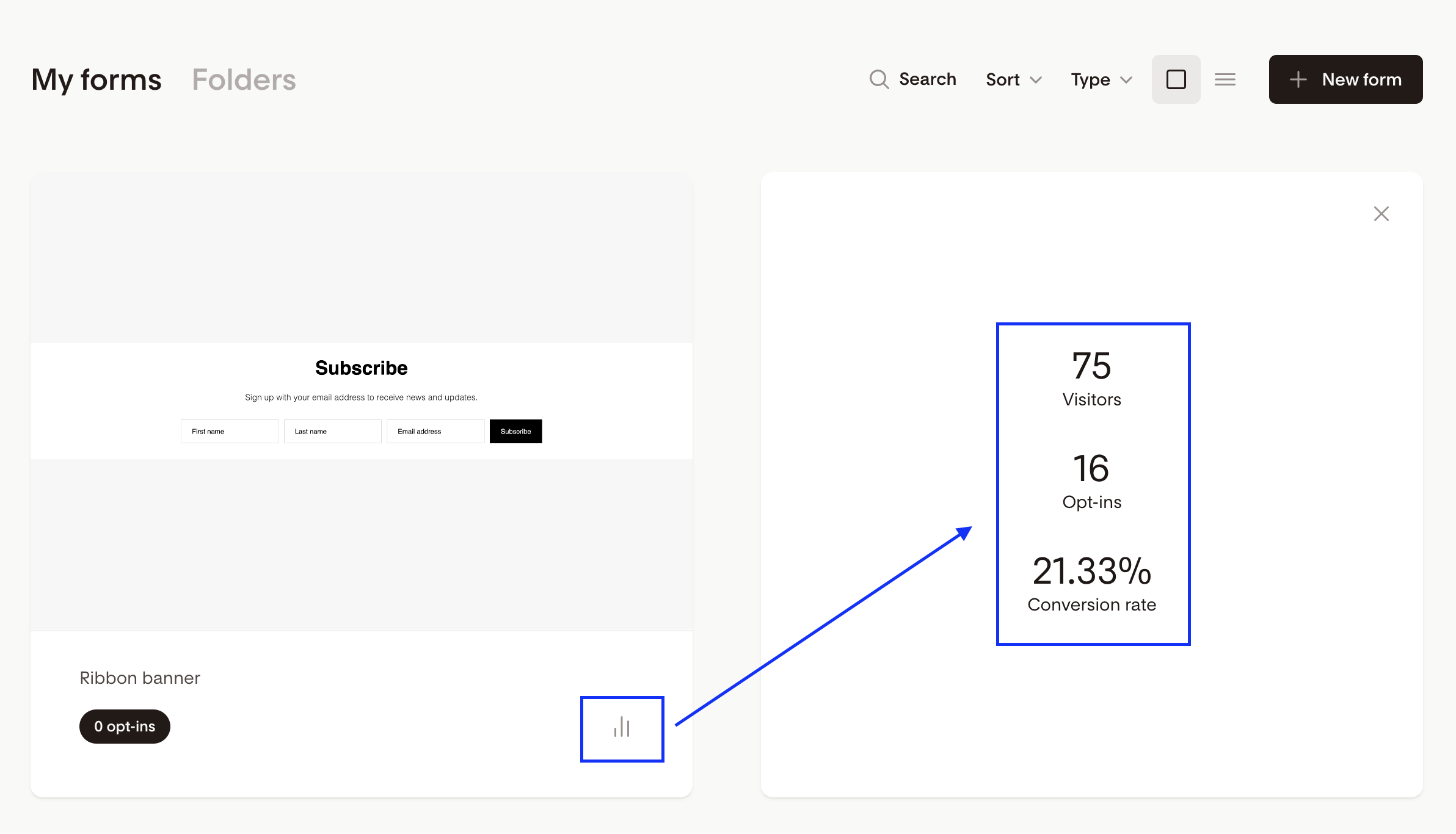
In the card view, click the bar chart icon on the form card.
Organize your forms with folders
Folders can help you keep your forms organized by type, or purpose.
Important to know
A form can only be in one folder at a time
Forms are not moved out of My forms when added to a folder
Folders create an organized view (they don’t store forms separately)
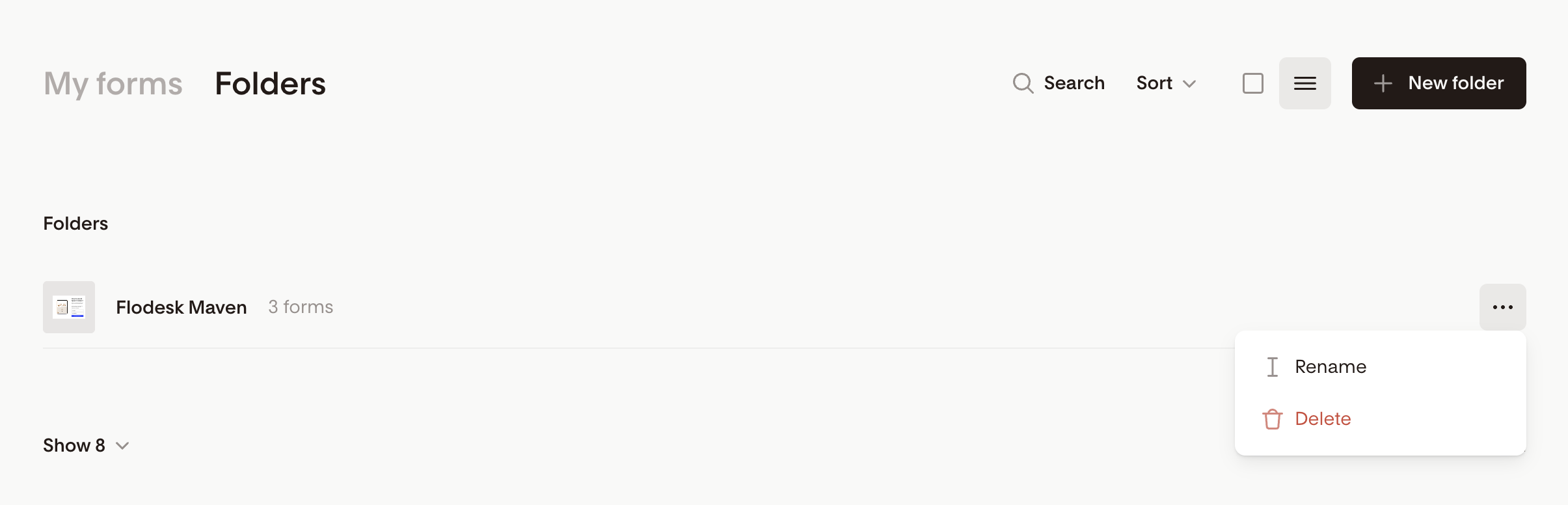
Folder actions
You can:
Search folders by name
Sort folders (created date, modified date, alphabetical)
Switch between card view and list view
Create a folder using + New folder
Learn more: How to create and manage folders
FAQ
Where are my forms in Flodesk?
All your opt-in forms are located in the Forms tab in the top navigation bar.
What’s the difference between card view and list view?
Card view shows a visual preview of your forms
List view shows more data like visitors, opt-ins, and conversion rate in a table format
Can I switch between card view and list view?
Yes, you can toggle between both views anytime in the Forms tab or Folders tab.
How do I see form performance stats?
Use list view to see quick stats like visitors, opt-ins, and conversion rate, or click the bar chart icon when in card view.
Why is my form still in “My forms” after adding it to a folder?
All forms always remain in My forms. Folders only help organize them, they don’t move or remove forms.
Can a form be in multiple folders?
No. Each opt-in form can only be in one folder at a time.
What actions can I take on a form?
You can get the embed codes (inline, popup only), get form link (link in bio, full page only), customize link (link in bio, full page only), edit link preview (link in bio, full page only), share as a template, access settings, change segments, add to folder, edit, duplicate, rename, delete using the three dots menu.
How do I create a new form?
Click + New form in the Forms tab and choose a template to get started.