
How to connect Squarespace and Flodesk
Expand your ecommerce automation by connecting Squarespace to Flodesk. With this direct integration, you can sync Squarespace customers/subscribers and trigger post-purchase workflows—no external automation tools required.
What you can do with the Squarespace integration
Automatically sync Squarespace customers (subscribers) into a generic Squarespace segment in Flodesk named after your store
Trigger post-purchase workflows when someone completes a purchase
Note: Abandoned cart workflows are not supported (due to Squarespace API limitations) at this time.
How to connect your Squarespace store to Flodesk
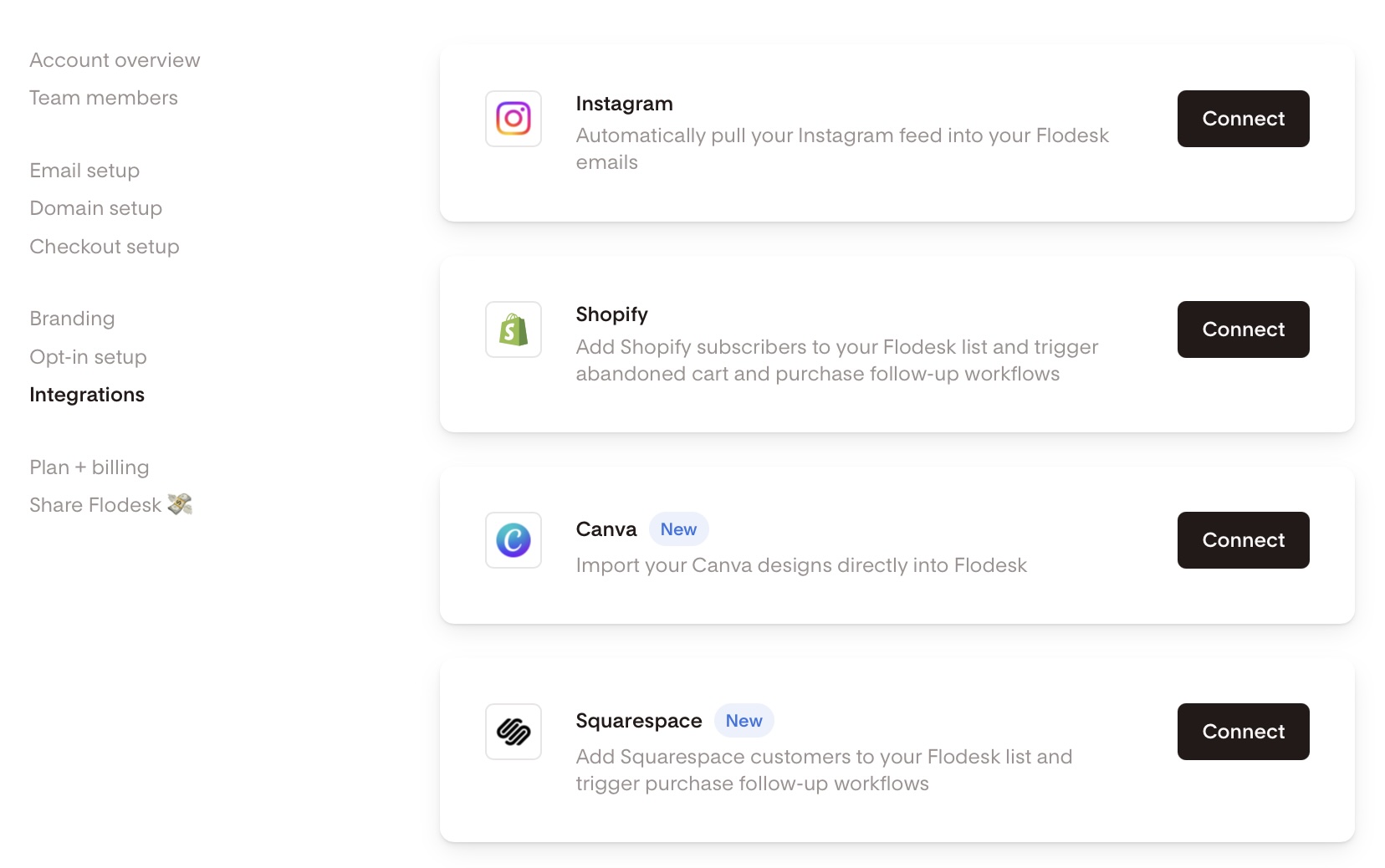
Go to Account settings > Integrations, click Connect on the Squarespace card, and follow the prompts.
Note: Acuity/Squarespace scheduling is not part of this integration.
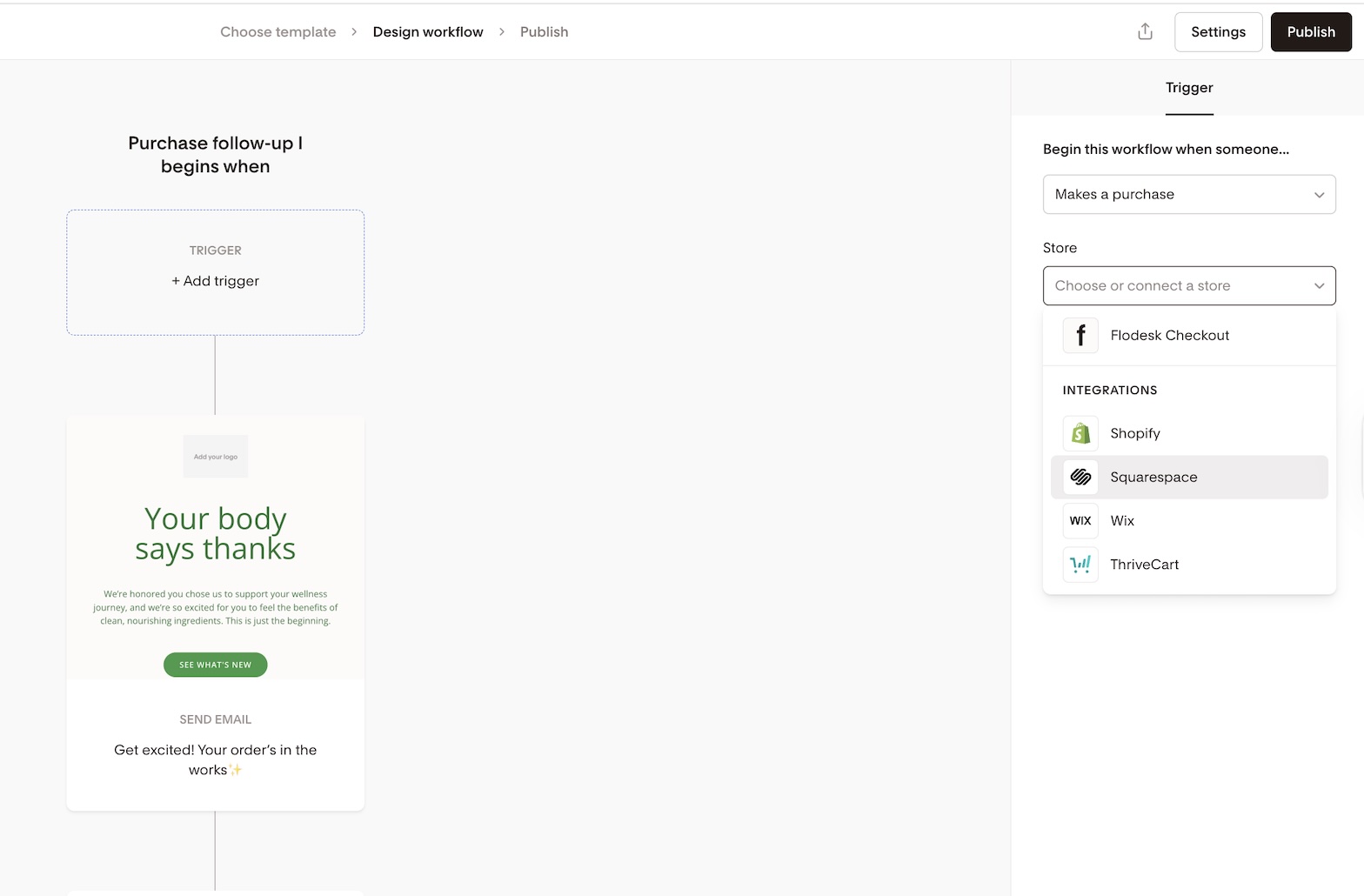
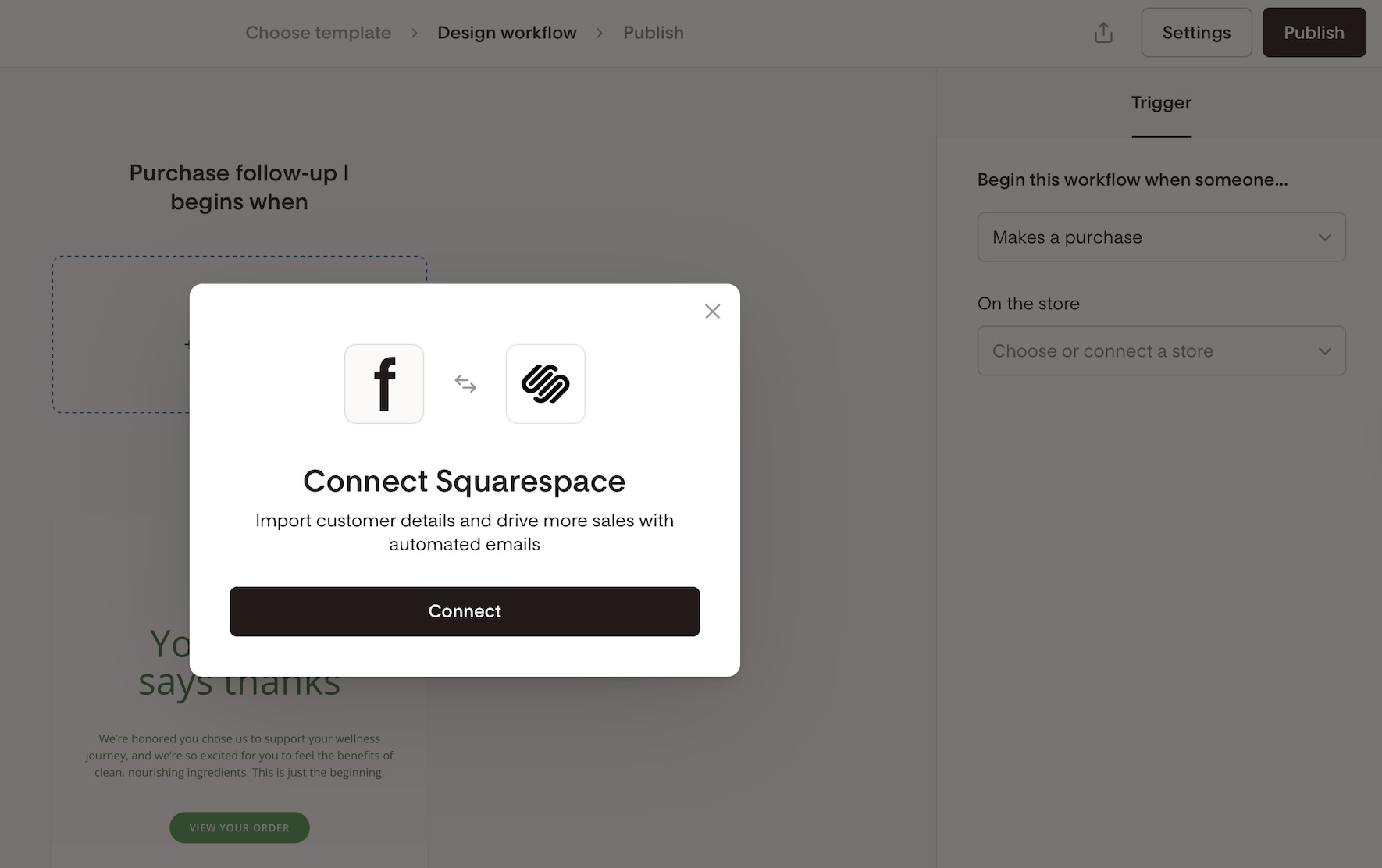
You can also connect from the workflow builder when choosing Squarespace as a trigger in a purchase follow-up workflow.
How it works
Syncing your customers
Once connected:
Flodesk creates a segment named after your Squarespace store URL (e.g., yourstore.squarespace.com)
Initial sync: All opted-in customers are imported immediately
Ongoing sync: Subscribers are now synced immediately based on events. Flodesk checks for new subscribers that have opted in to marketing through a Squarespace contact form or Squarespace email marketing form
There are three ways contacts are added to the Flodesk segment:
If a customer completes a purchase but does not opt-in to marketing, they’ll immediately be added to Flodesk as Unconfirmed.
If a customer completes a purchase and does opt-in to marketing, they’ll immediately be added to Flodesk as Active.
If a contact submits a Squarespace form and opts in to marketing, they’ll be added to the Flodesk segment. They can also resubscribe in Squarespace and that will sync over to Flodesk. Also, if someone unsubscribes in Flodesk, that data is synced over to Squarespace.
Scenario | Flodesk status | Timing |
Purchase without opting into marketing | Unconfirmed | Immediate |
Purchase with marketing opt-in | Active | Immediate |
Submits a Squarespace form with marketing opt-in. They can also resubscribe in Squarespace, which syncs over to Flodesk. | Active | Immediate |
Note: If a customer is added as Unconfirmed after a purchase (because they didn't opt in to marketing) and later confirms through the double opt-in email sent from your Audience tab, they won't continue in the workflow if they hit the send-email step, for non send-email step, they can continue. Once a workflow stops for an unconfirmed subscriber, there's no trigger point for their later confirmation to pick it back up.
Automation workflows
You can use purchase follow-up workflows with Squarespace as the trigger.
Squarespace appears under the “Makes a purchase > On the store …” workflow option
You can set up purchase follow-up workflows for "any product" or a specific product, selecting it from the dropdown menu, to personalize follow-ups
Squarespace workflows show up under purchase follow-up templates
Note: You can trigger workflows for specific Squarespace physical, download, service, or gift card products.
Frequently Asked Questions
Can I send abandoned cart emails to Squarespace customers?
No. Squarespace doesn’t support cart abandonment triggers. Only post-purchase workflows are available at this time.
How often does Flodesk sync Squarespace customers?
Squarespace recently released the new Contacts API, and subscribers are now synced immediately based on events, instead of every 6 hours.
Where do my Squarespace customers appear in Flodesk?
In a dedicated segment named after your Squarespace store URL (e.g., https://yourstore.squarespace.com).
Can I rename the segment that is autocreated after my Squarespace store URL?
Yes, you can rename that auto-generated segment without breaking the sync integration.
What workflows can I create with Squarespace?
Post-purchase workflows triggered by completed purchases. You can also select "any product" or a specific product, including Squarespace physical, download, service, or gift card products.
If a subscriber confirms their double opt-in after being added as Unconfirmed, will they continue in the workflow?
No. Post-purchase workflows only check a subscriber's status the moment they enter, triggered by the purchase itself. If someone enters as Unconfirmed, the workflow stops there, and there's no trigger point for a later confirmation to pick it back up.
This isn't something "Allow repeat subscribers" can fix either. That setting only affects what happens if the same subscriber makes another purchase, not what happens when their opt-in status changes. To reach these subscribers, consider following up with them individually.
Can I filter workflows by product purchased?
Yes! Select a specific product from the dropdown menu to target follow-ups based on what was purchased.
Will this affect my existing Squarespace automations?
It could. To avoid double-sending emails, we recommend disabling native Squarespace post-purchase emails if you’re using Flodesk workflows.