
How to add existing subscriber segments to a new workflow
Overview
When you build a new workflow and attach a segment as the trigger, Flodesk will ask if you want to include subscribers who are already in that segment. This is useful when you have an existing list of subscribers who should go through the workflow from the start, even though they joined the segment before the workflow existed.
This article explains how that works at the point of publishing, and what to expect when you unpause a workflow.
How to add existing subscribers when publishing a workflow
Create a new workflow
Add the segment you want to use as your trigger
Build out your workflow steps (emails, time delays, conditions, and anything else you need)
When you're done, click Publish
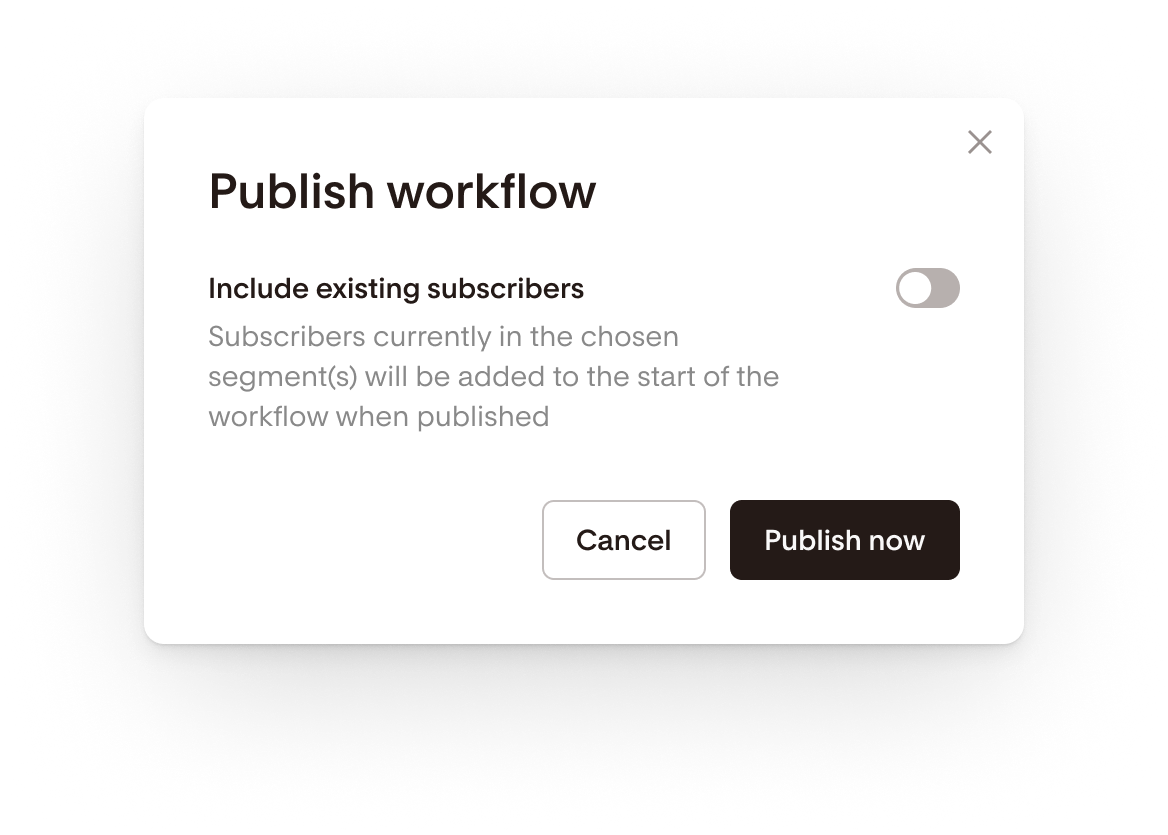
If there are subscribers who already belong to the trigger segment and aren't currently in the workflow, a prompt will appear asking how you'd like to handle them
Toggle on Include existing subscribers to add them to the start of the workflow when it publishes
If you leave this toggle off, only new subscribers who join the segment after publishing will enter the workflow.
What happens when you unpause a workflow
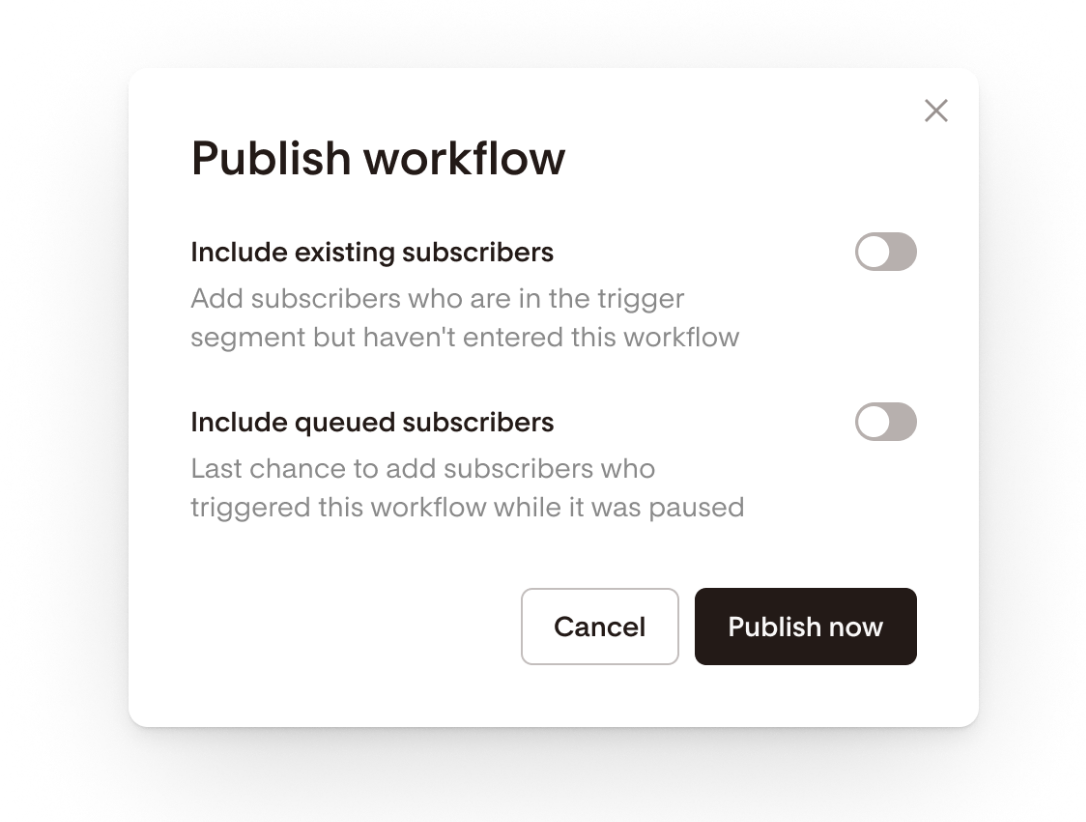
If you pause a workflow and then republish it, the same kind of prompt may appear, depending on what happened while the workflow was paused.
If subscribers joined the trigger segment while the workflow was paused, a toggle will appear when you republish. You can choose to include or exclude those queued subscribers from the workflow.
If no subscribers joined the trigger segment while it was paused, no toggle will appear. There are no queued subscribers to add.
FAQ
Can I add subscribers who are already in a segment to a new workflow?
Yes. When you publish a new workflow, Flodesk will show a prompt if there are subscribers who already belong to the trigger segment. Toggle on Include existing subscribers to add them to the start of the workflow when it goes live.
What does "Include existing subscribers" mean in Flodesk workflows?
This option appears when you publish a workflow that uses a segment as its trigger. It lets you add subscribers who are already in that segment to the workflow, starting from the beginning. Without this toggle, only subscribers who join the segment after publishing will enter the workflow.
What happens if I don't toggle on "Include existing subscribers" when I publish?
Only new subscribers who join the trigger segment after the workflow is published will enter it. Subscribers who were already in the segment before you published won't be added.
Will I always see the "Include existing subscribers" prompt when I publish a workflow?
No. The prompt only appears if there are subscribers who already belong to the trigger segment and aren't currently in the workflow. If everyone in the segment is new or already in the workflow, the prompt won't appear.
What happens to subscribers who join my trigger segment while a workflow is paused?
When you republish the workflow, a toggle will appear giving you the option to include or exclude those queued subscribers. You can decide whether you want them to enter the workflow from the beginning or skip it entirely.
What if no one joined my trigger segment while my workflow was paused?
If no subscribers met the trigger criteria while the workflow was paused, no toggle will appear when you republish. There are no queued subscribers to add, so the workflow simply resumes as normal.
Can I add subscribers to a workflow that's already running?
The Include existing subscribers option is only available at the point of publishing or republishing a workflow. If your workflow is already live, new subscribers will enter it automatically when they join the trigger segment.