
How to connect Flodesk and Stencil
Overview
Stencil helps you turn your knowledge into recurring revenue. You describe the app you want in a chat and Stencil builds and deploys a real, working web app with its own database, signup and login, payments, custom domain, etc. This is not a prototype; it's a live product with real accounts.
Important to know upfront:
This integration is built and maintained by Stencil, not Flodesk.
Stencil controls which integration features are available.
What the Flodesk × Linktree integration lets you do
With this integration, you can:
Connect one Flodesk account for your whole Stencil workspace (only a Stencil workspace owner or admin can set up the connection)
Send new signups to your app built on Stencil directly into Flodesk
Pick which Flodesk segment new signups go to
Trigger automated workflows connected to that segment
Connect your Flodesk account to Stencil
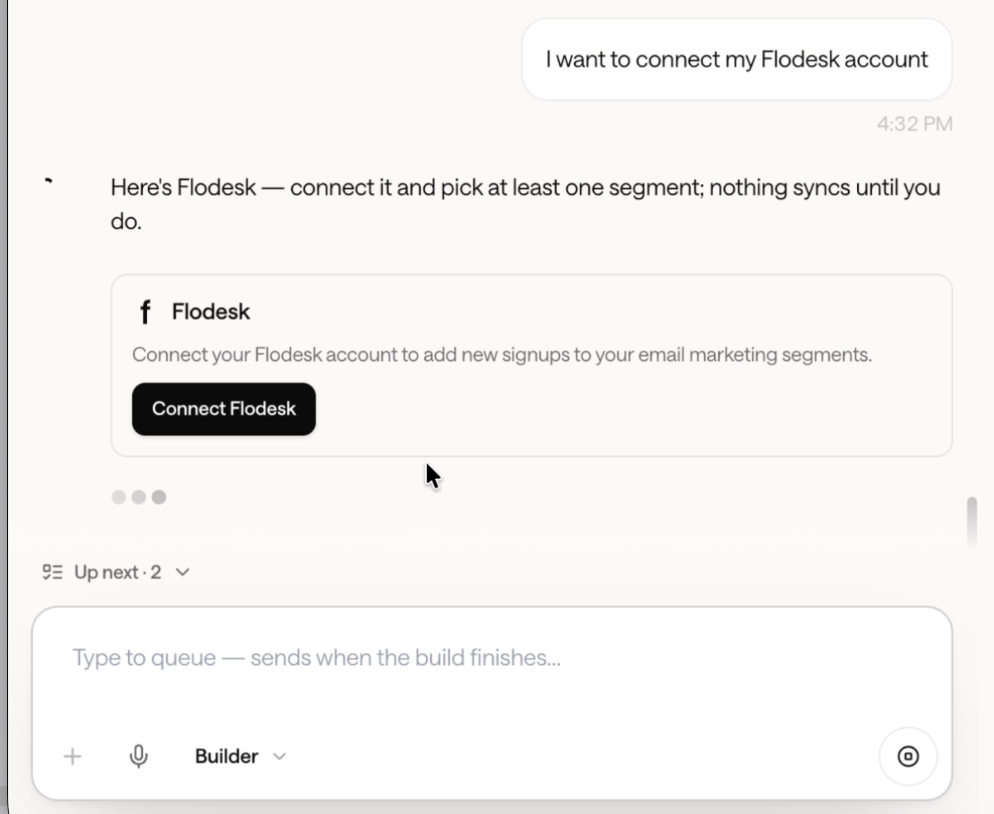
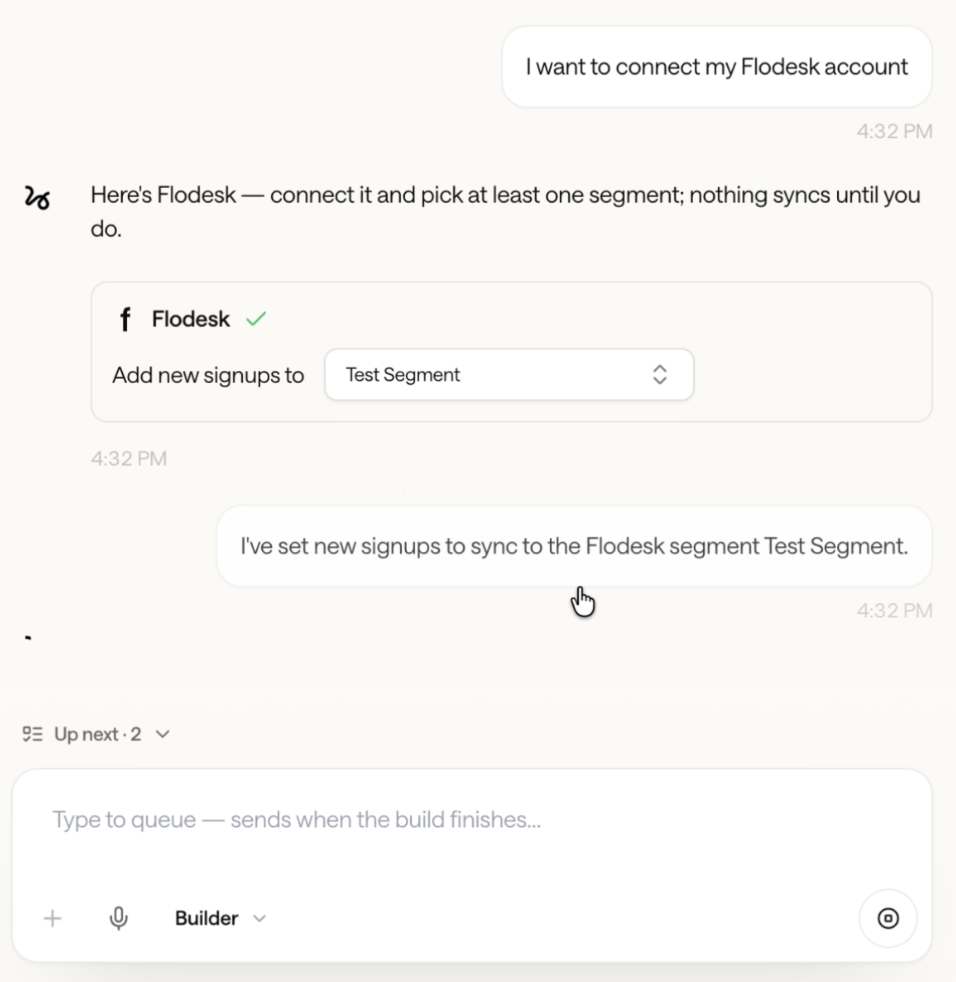
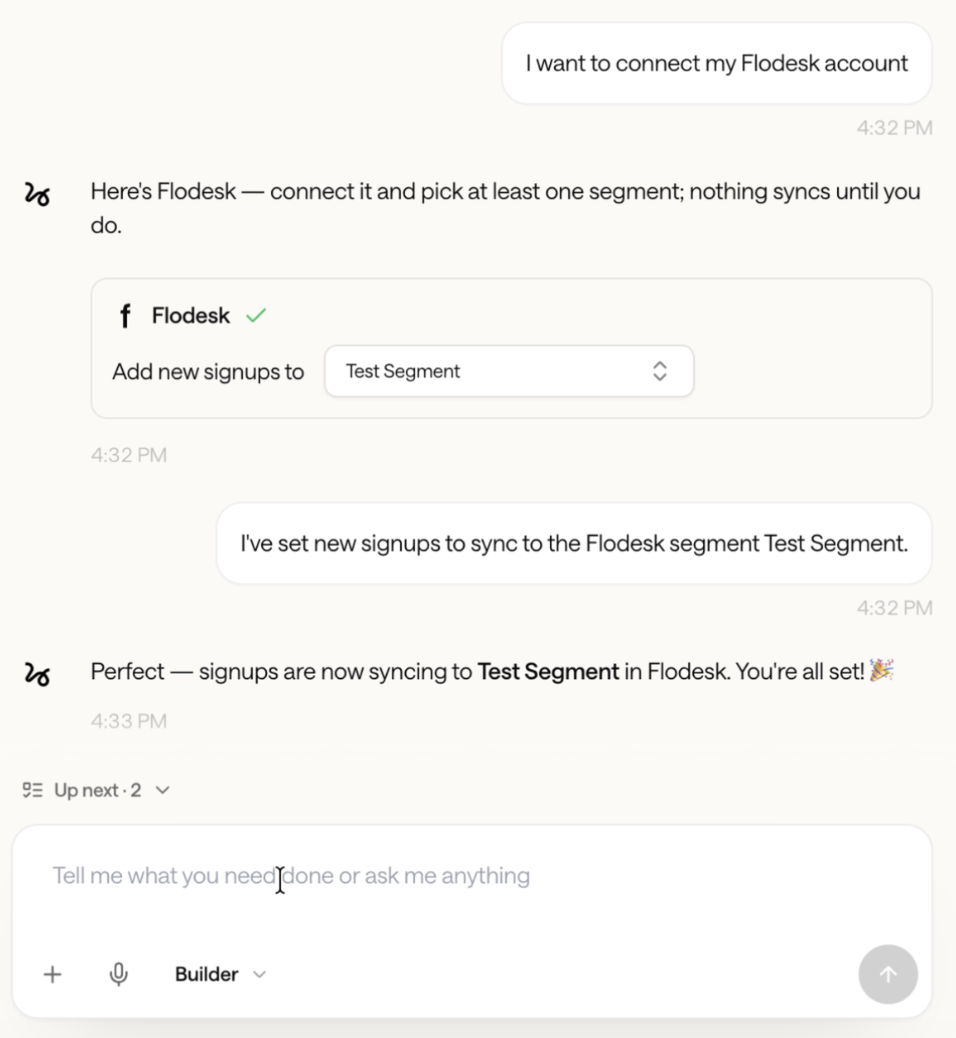
Step 1. As you build your app through Stencil’s chat interface, add a prompt that you want to connect your app to Flodesk. Literally. Add this prompt:
“I want to connect my Flodesk account”
Step 2. In the chat, click the “Connect Flodesk” button.
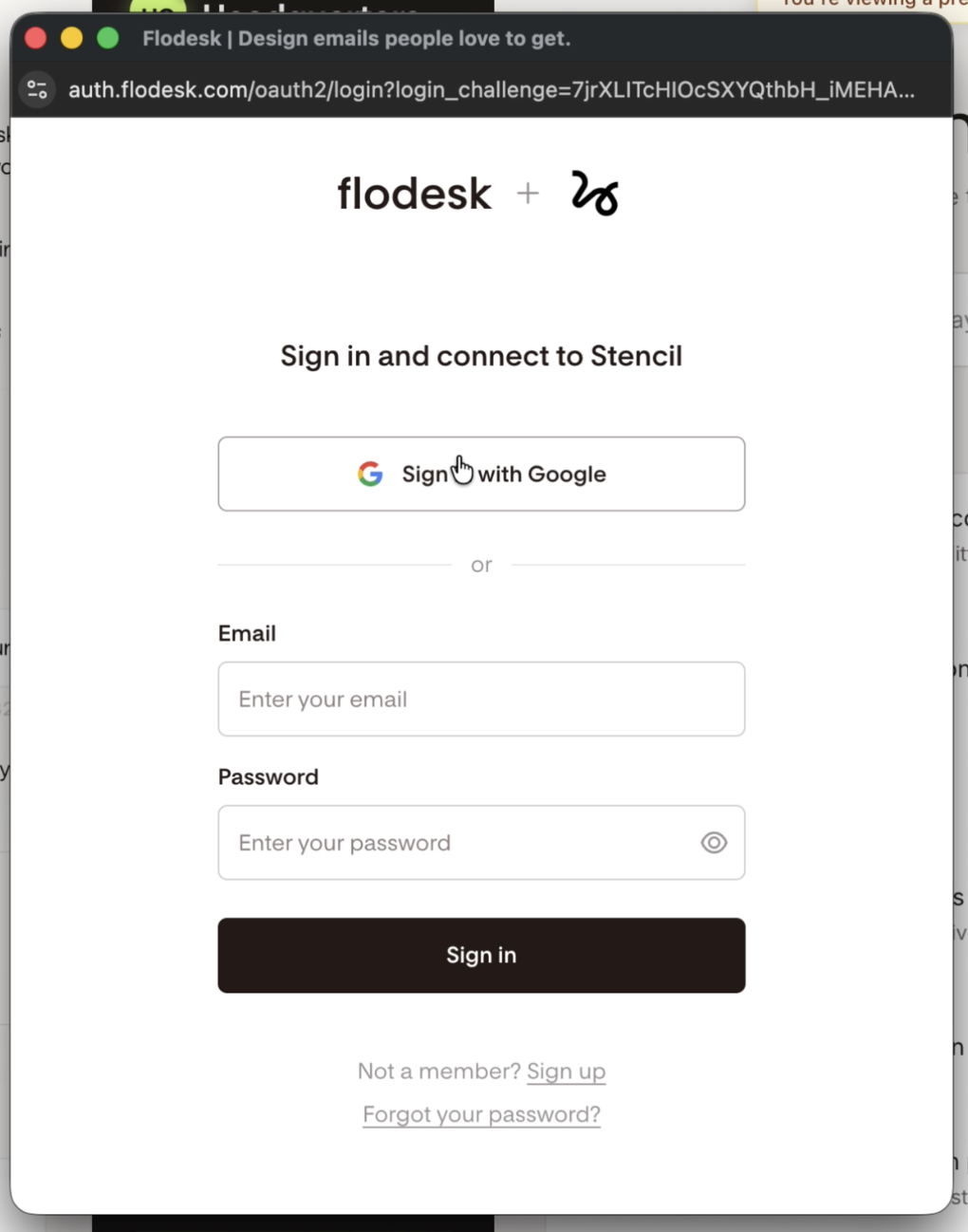
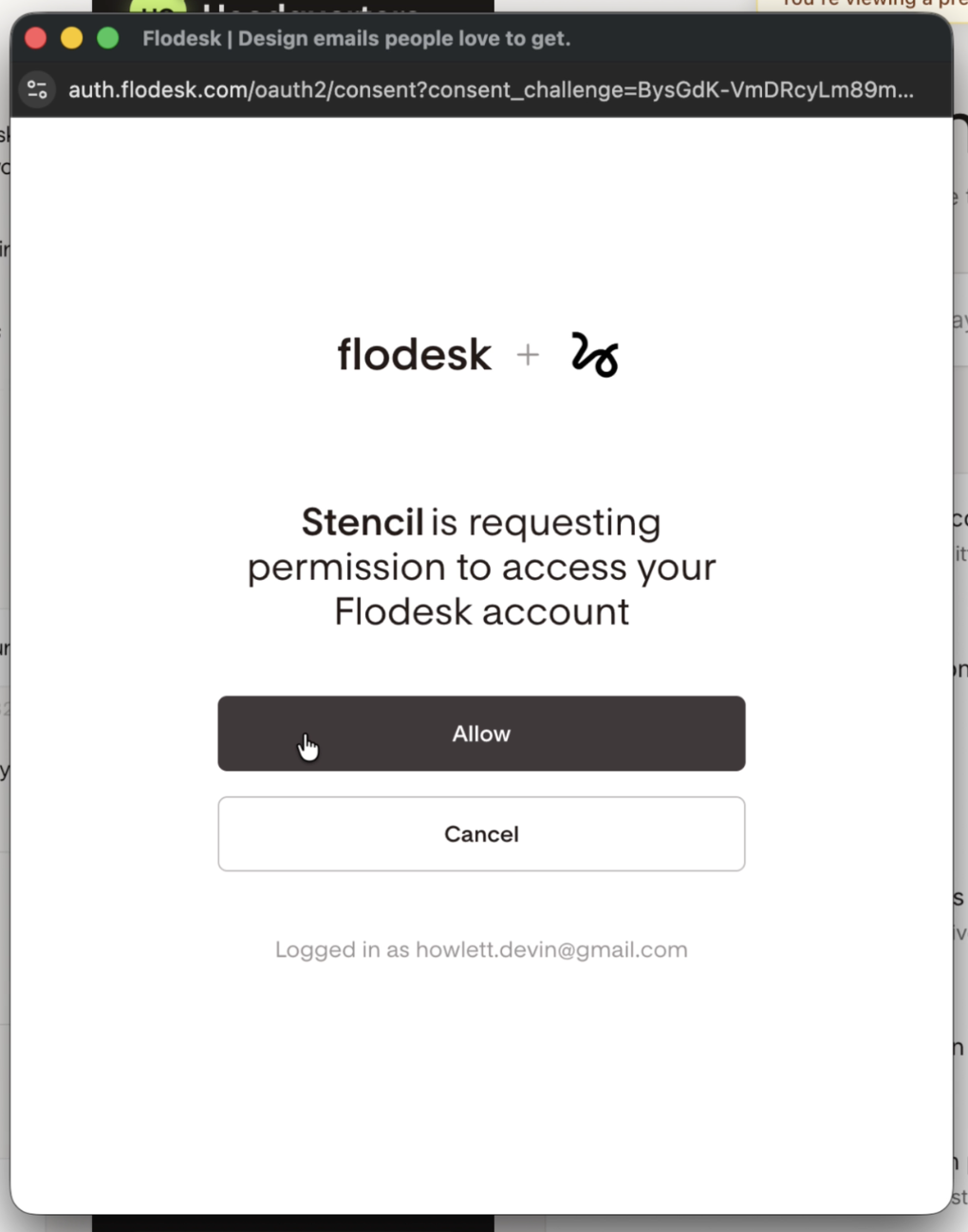
Step 3. On the next screen, sign in to your Flodesk account and connect to Stencil. When prompted, allow Stencil to access your Flodesk account.
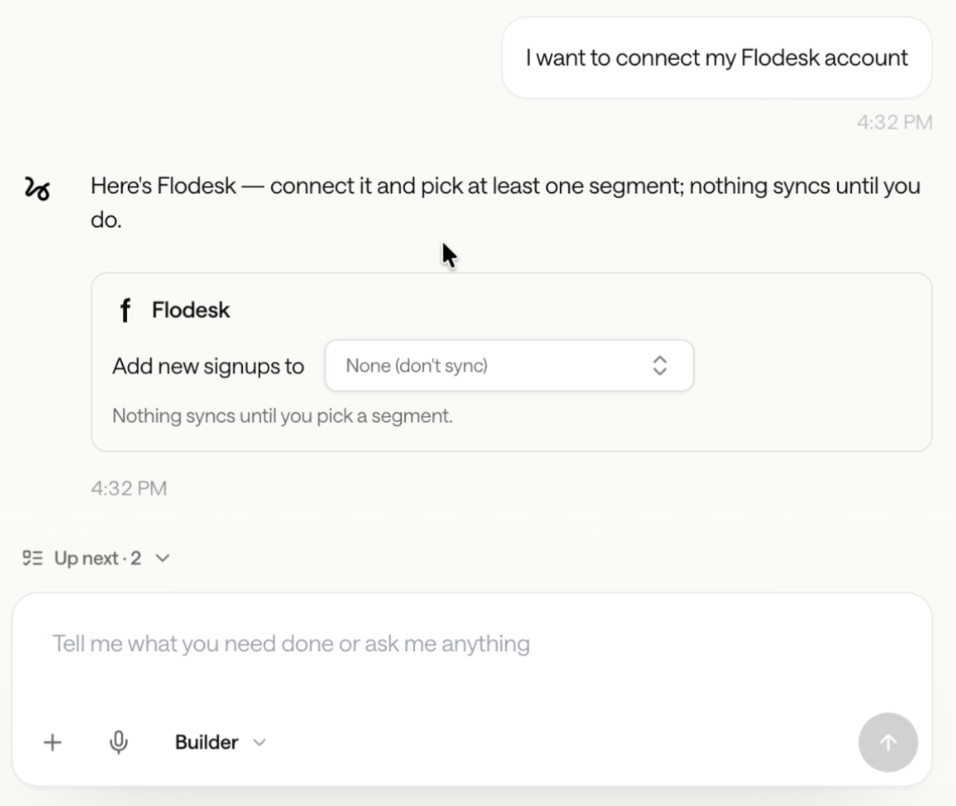
Step 4. In Stentil’s chat, you’ll see the Flodesk account connected. Select the Flodesk segment you want to add new signups to.
Important: Nothing syncs until you pick a segment.
How this works with Flodesk workflows
The segment you select in Stencil can be used in Flodesk as a workflow trigger. This allows you to:
Start a welcome or onboarding sequence
Deliver a freebie or lead magnet
Add Stencil signups to a nurture or sales workflow
Disconnecting Flodesk from Stencil
You can disconnect Flodesk at any time. You can simply ask the builder in Stencil’s chat to disconnect the integration. New signups will stop syncing immediately.
FAQ
Is the Flodesk x Stencil integration built by Flodesk?
No. The integration is built and maintained by Stencil. They control which features are available and which plans include them.
Do I need a paid Stencil plan to use Flodesk with Stencil?
No, the Flodesk integration is available on all Stencil plans.
Can I automatically add my Stencil app signups to Flodesk?
Yes. You can send your app signups from Stencil into Flodesk and add them to a specific segment of your choice.
Can I trigger Flodesk workflows from Stencil?
Yes. Once an app signup is added to a Flodesk segment via Stencil, that segment can trigger a Flodesk workflow.
Where do I manage or disconnect the integration?
You can simply ask the builder in Stencil’s chat to disconnect the integration.