
Manage your account settings: Name, Flodesk handle, timezone, and password
Overview
In your Flodesk account, you can update your account details in one place. These include:
Your login details
Your Flodesk handle (subdomain)
Your timezone
Your default calendar start day
Multi-factor authentication
Keeping this information updated helps ensure smooth scheduling, accurate data, and easier support when you need help.
How to update your account details
1. Open Account overview
Click your avatar in the bottom-left corner.
Select Account settings > Account overview.
This takes you to your Account details page.
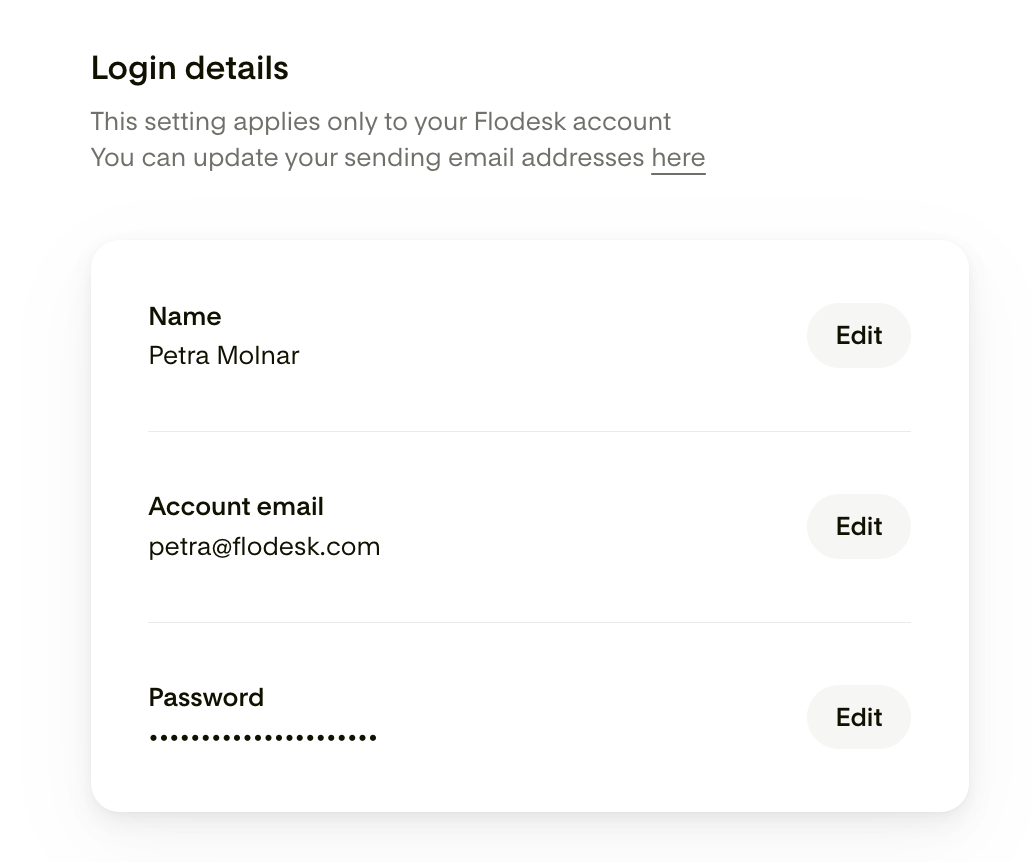
2. Edit your Login details
You can manage your login details in this section, including your Name, account login email address and password.
How to reset a forgotten password
Log out of Flodesk.
Click Forgot your password?
Enter your login email and select Get code.
Use the reset code sent to your email to create a new password.
3. Set your Flodesk handle
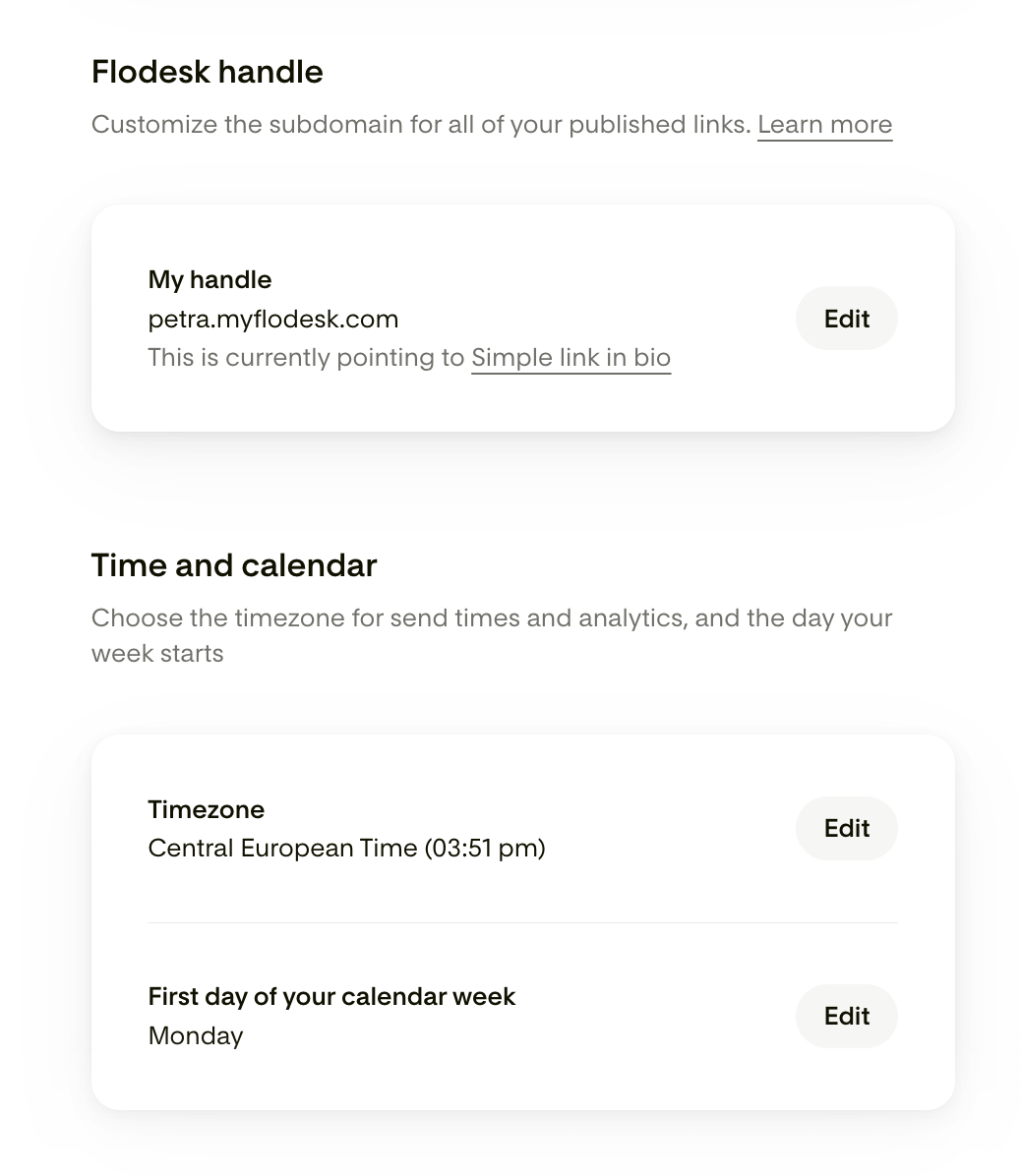
Your handle is the subdomain used for published links (e.g., full-page forms, Link in bio, Flodesk Checkouts).
Customize it to match your brand.
4. Choose your account's time and calendar
Select your timezone. All email send times, analytics, and account data will use this timezone.
Choose what day the calendar week should start: Monday or Sunday
5. Enable Multi-factor authentication (MFA)
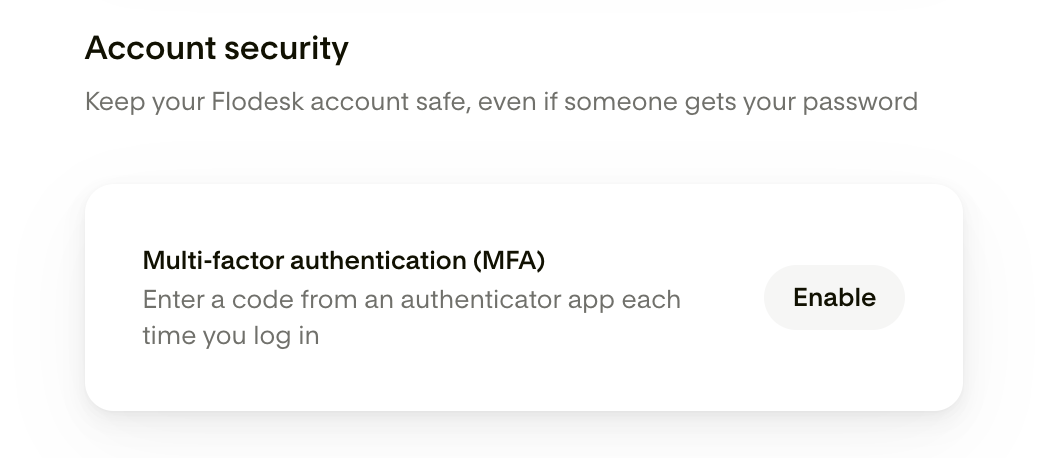
To add a second verification step to pair with your password, click the "Enable MFA" button and follow the setup instructions. You can learn more here.
FAQ
How do I update my account details?
Go to Account settings > Account overview from your avatar in the bottom-left corner.
What is my Flodesk handle?
It’s your custom subdomain for full-page forms, Link in bio, and Checkouts.
Why set my timezone?
It ensures your email send times and analytics are accurate.
Can I change my login email?
Yes. Click the Edit button next to your login email in Account overview > Login details.
How do I change my password?
In Account overview > Login details, enter your current password, then set a new one.
How do I reset a forgotten password?
Log out → Sign in page (https://app.flodesk.com/sign-in) → Forgot your password? → Enter your email → Use the code sent to reset.